
Epiic Ninja Cat
Members
-
Joined
-
Last visited
Everything posted by Epiic Ninja Cat
-
-
-
-
-
-
-
-
-
-
-
-
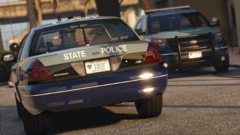 Looks awesome
 -
-
I made a couple Liveries for Medic4523's Fire and EMS pack
-
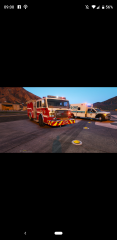
From the album: SoCal Liveries
-
Yes sorry I forgot to take this down. I figured that out almost immediately haha
-
Does anyone know how to fix liveries not showing up in Trainer for vehicles that have multiple liveries in the ytd files?
-
Solved
-
Solved
-
Everytime I try to look up License plate or Ped, game crashes. I have disabled vehicle image and ped image and it still crashes.
-
Can anyone tell me why LSPDFR started crashing?
-
any ideas?
-
okay, this is the latest one, which is after i just installed Serve and Rescue to see if it would work. Game wont even load nowhow do I do that..I didnt try that yet, just because Ive never had it and its always worked just fine