


Gameudevelopers
Members
-
Joined
-
Last visited
Everything posted by Gameudevelopers
-
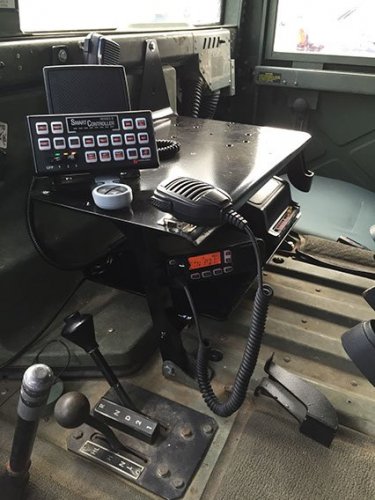 Orlando PD uses this siren, it took me forever to find, thanks for your work !
- 39 comments
- 5 reviews
-
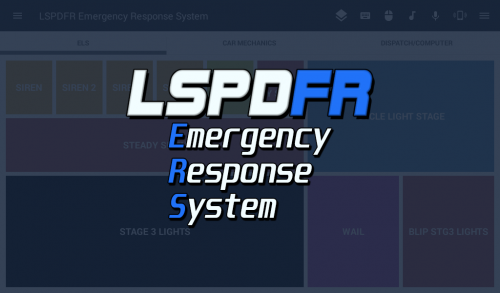 You have to make sure that the remote is running as administrator. I found that out just messing around,I had the same issue Run as admin with the remote tool on your pc. I might make a video show coming the mod with the authors permission of course
- 70 comments
- 5 reviews
