
ToddJY
Members
-
Joined
-
Last visited
Everything posted by ToddJY
-
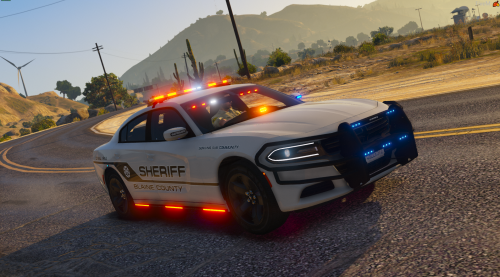 Sorry for the noob question but I've recently gotten into installing mods for GTA 5 so I am not sure what to do with the FiveM ready files? Do I just leave them alone if I just want the skin for the steam version or do I have to install those files as well in order for it to work?
- 17 comments
- 1 review