
EliteSoldier18
Members
-
Joined
-
Last visited
Everything posted by EliteSoldier18
-
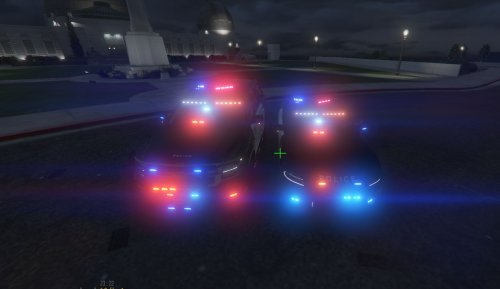 Looks nice, however my game crashes whenever I spawn POLICE2, and sometimes even when I don't (probably because it is spawned by the game as backup vehicle). Really good work, I like the other vehicle, but because of this error I had to change vehicle pack completely. The error is ERR_STR_FAILURE_3, which is now fixed after removing this minipack.
 -
Solved, SmartRadio had different keys to move up, down and select. Now.. how the hell do i close this topic?
-
Simple Trainer starts working when i enable NumLock, SmartRadio does NOT. I also tried to re-install SmartRadio.
-
So, the problem is.. For some plugins, when i try to scroll down or up with the keypad keys 8 and 2, or select with key 5 nothing happens, though if i use the 6 or 4 key, the selector will move right or left. Same with arrow keys. This happens with Simple Trainer, SmartRadio, but not with RageUI's. NumLock is OFF. If i enable it, keys 6 and 4 will stop working too. Tried with other software, they detect when the keys 8, 5 and 2 are pressed. (sorry for any grammatical error, please don't kill me)