



shawdybadclapas
Members
-
Joined
-
Last visited
Everything posted by shawdybadclapas
-
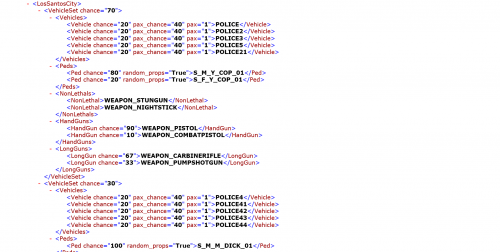 Although Ultimate Backup is gone (hopefully only temporarily), this is a great config to get up and running with Ultimate Backup and RDE if you're lucky enough to have them both installed. Thanks for this config!
- 10 comments
- 1 review
-
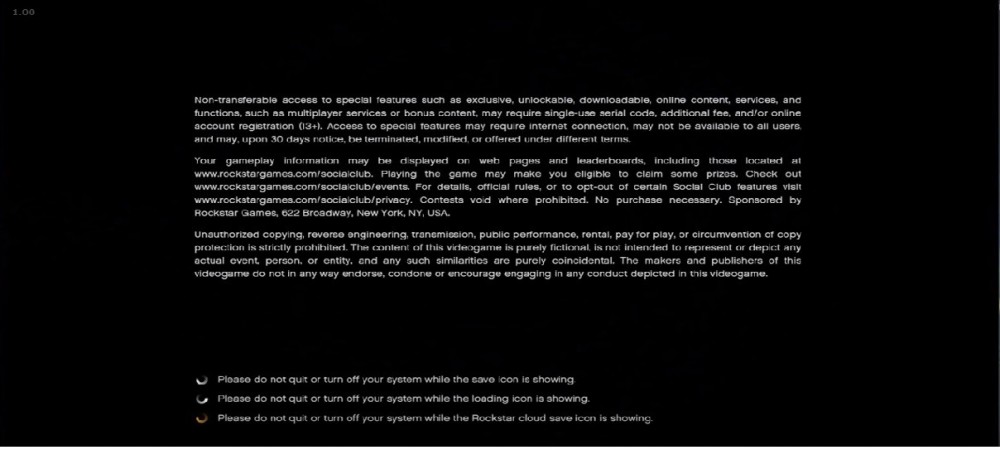
I'm not sure if this will help you, but I do this when I have issues with ragepluginhook and it always works for me. Start GTAV and when the loading screen gets to this point here... ...tab out of the game and then launch rage plugin hook Hope this helps you!
-
Hi all, I had RDE installed a while back and absolutely loved the lore friendly vehicles. With LSPDFR 0.4 around the corner, I was wondering if there was a way to install the RDE vehicles without installing the additional pursuit and game logic changes. I'd really like to use these vehicles in custom backup and agency definitions in LSPDFR 0.4. I followed this wonderful guide when I initially installed RDE with LSPDFR, but removing Six Star Response, Arrest Warrant etc from the scripts folder resulted in police not spawning when trying to play regular GTAV. However, leaving those scripts in gave me compatibility issues when trying to play LSPDFR. Thanks for the help!

