


XPGamer01
Members
-
Joined
-
Last visited
Everything posted by XPGamer01
-
 Hey I think you gotta update the description. The installation path looks like it should be GTAV>lspdfr>audio>scanner (You put the sfx folder instead).
- 11 comments
- 1 review
-
 What the heck happened to preset uniforms? Under multiple categories, the uniforms are completely screwed up. There's missing textures for props and shirts, and shirts missing. Is this my problem or is this mod just not updated anymore?
- 2,353 comments
- 239 reviews
-
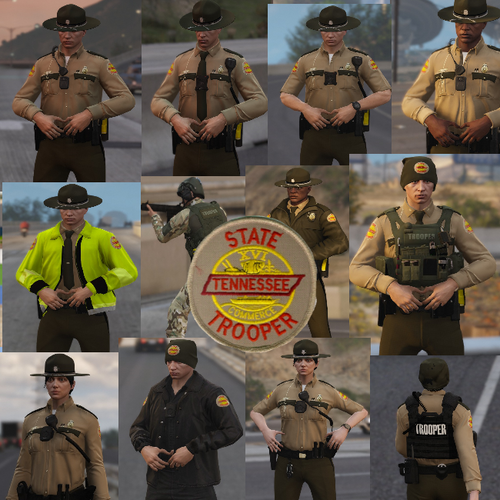 Not working great with EUP 8.2 as the textures are glitchy and look weird. Hoping for an update so I can use my state uniforms and skins for RP.
- 6 comments
- 5 reviews
-
Hello, I have this really annoying problem going on with EUP Menu. Any solutions would be much appreciated. So I have LSPDFR up and running, everything is good. I installed EUP and EUP L.O. like I usually would (I had to redo everything after the recent GTA update) and it worked for a little bit. Now, for some reason, it will not get loaded by RAGEPluginHook. It will load my other plugins but will not load EUP Menu. I have everything installed correctly. EUP Menu is in Plugins, it is set to be loaded on startup. EUP L.O. installed with OIV and double checked the dlclist.xml and EUP is listed. RAGE, Scripthook, and Community SH are installed correctly. Latest version of RAGENativeUI is installed. Using the main LSPDFR plugins and all is well with those. I can't seem to find the cause of this and I really do not want to reinstall everything unless I know there is no fix. Thanks in advance for any help.
-
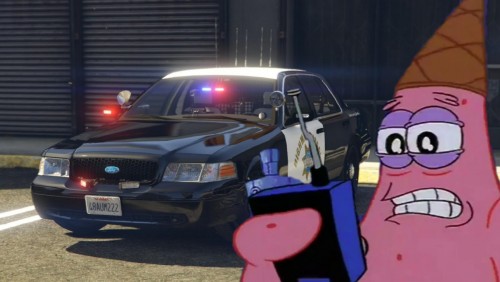 Freaking awesome. I recommend your next project to make the Minions BEEDO siren
- 23 comments
- 6 reviews
-
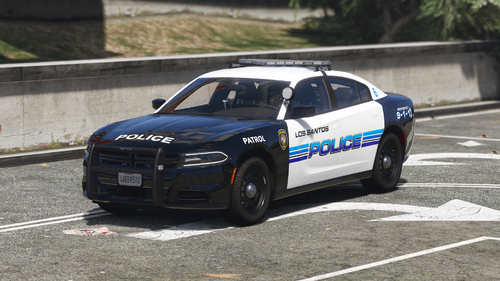 That looks so GOOD! I would absolutely love to see this become a pack, a FPIS, FPIU, Impala, CVPI. I've been looking for a really well done LSPD pack to stick with for more than a few days.
- 30 comments
- 10 reviews
-
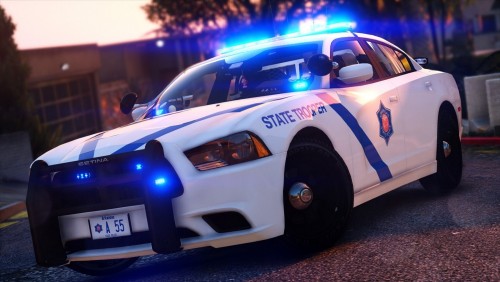 Which visual/graphics mod would this really work for? There's NaturalVision Remastered, Make Visuals Great Again, VisualV, GTA Redux and so on. I'm using NVR right now.
- 3 comments
- 3 reviews
-
-

- 1
-
-
 Very nice! This is really good looking and clear. The only issues with this for right now are the headlight and taillight intensity in daylight and at night, but those can be fixed fairly easily.
- 67 comments
- 10 reviews
-
-
- 1
-
-
I want to add a Chevy Impala and also a Chevy Caprice to my game but I don't know which vehicle's handling line works where they won't role over or anything. If anyone knows what to do or what to use, please help me out. EDIT: I looked for an answer and found that an Impala works best with the FUGITIVE handling id.
-
 Oh thank you so much for making this. I was getting tired of going through that menu.
- 117 comments
- 19 reviews
-
-
- 1
-
-
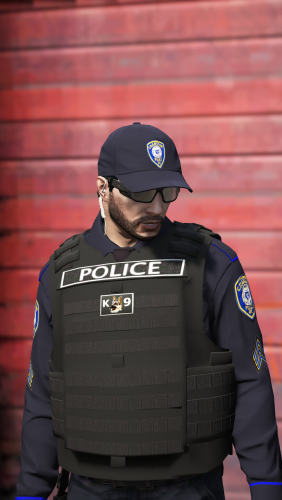 These are really awesome! I just wish it was an auto (OIV) installer to make it easier.
- 158 comments
- 21 reviews
-
-
- 1
-
-
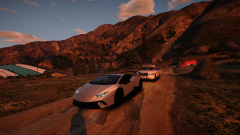
From the album: My Photos
-
My LSPDFR photos to remember and share.
-
-
-
-
I have had an issue in my GTA 5 for a while now and I don't know how to solve it. I play LSPDFR and use all kinds of other mods/plugins along with ELS-Compatible vehicles. As far as I know, there are no installation errors in my game anywhere, it's running perfectly fine right now and everything is working except for one small thing that is really annoying but so simple. My character will not reach to close the driver door when I enter my vehicles. I have tried switching through different vehicles and vehicle packs and that hasn't ever fixed it. I've also tried reinstalling my game and no fix. I use EUP menu for my characters and outfits and I'm suspicious that EUP custom characters might be the cause but I really don't know if that's the case. If anyone has had this issue or knows how to fix this, I'd greatly appreciate any support or feedback.


