Skip to content
View in the app

A better way to browse. Learn more.

LCPDFR.com

A full-screen app on your home screen with push notifications, badges and more.

To install this app on iOS and iPadOS
  1. Tap the Share icon in Safari
  2. Scroll the menu and tap Add to Home Screen.
  3. Tap Add in the top-right corner.
To install this app on Android
  1. Tap the 3-dot menu (⋮) in the top-right corner of the browser.
  2. Tap Add to Home screen or Install app.
  3. Confirm by tapping Install.

ReckleMods

Members
  • Joined

  • Last visited

  1.    NUV3X reacted to a file: Lock & Load Security EUP
  2.    Iskeik reacted to a file: Lock & Load Security EUP
  3. SharksModifications started following ReckleMods
  4. GTA 5 Jedi Master started following ReckleMods
  5. Thinks Development started following ReckleMods
  6. Not a LSPDFR officer started following ReckleMods
  7. DrGaming2017 started following ReckleMods
    • 186 downloads
    • Version 1.0.0
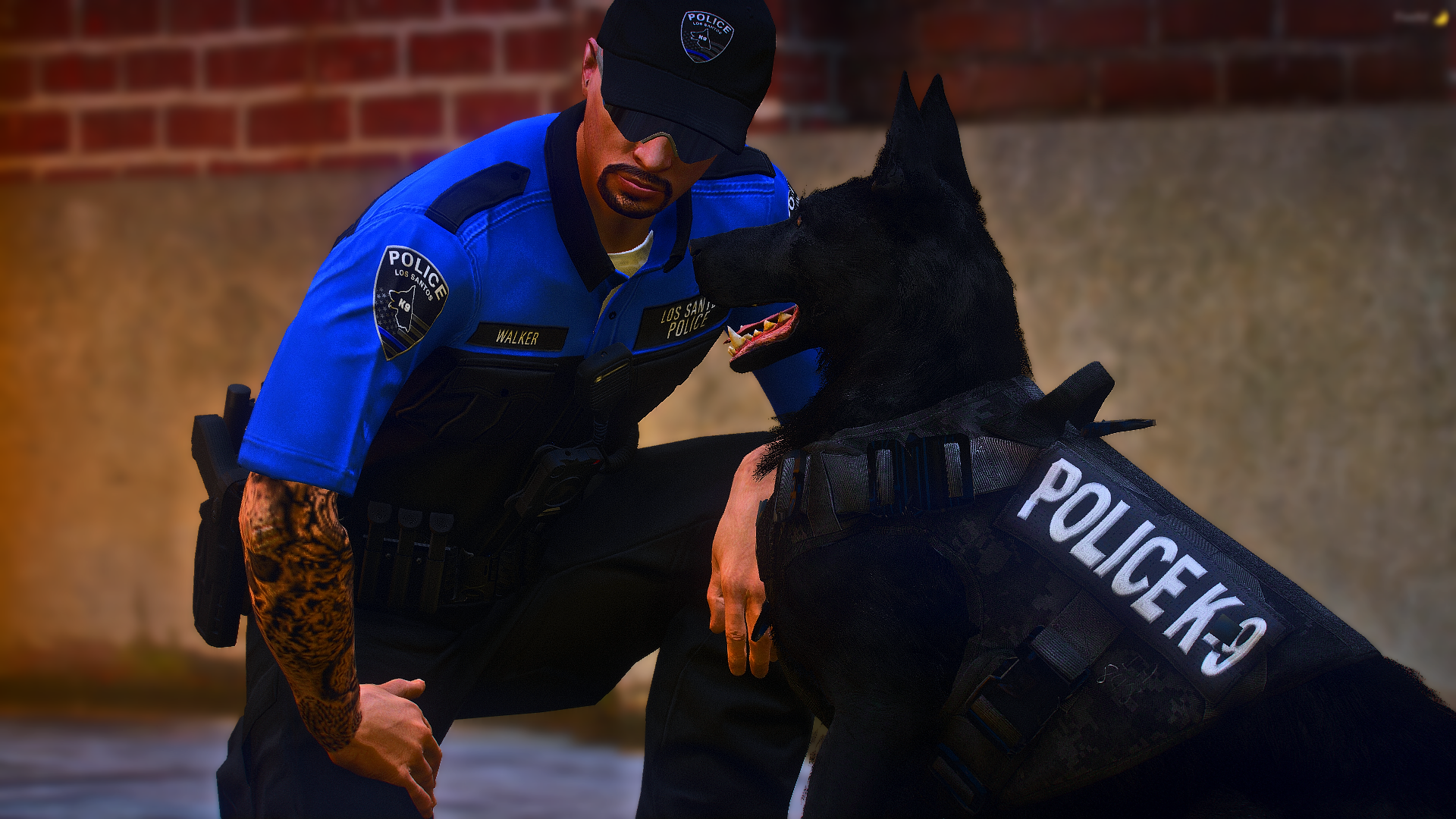
    BASE GAME GTA FILES. EUP Team did not create this shirt. I took the decals from the open collared shirt and put them on the closed collared shirt. The bowtie was another model I made and is NOT included. This is for EUP developers or server owners wanting to use a short sleeved police shirt with the collar closed. FILE ONLY INCLUDES THE SHIRT. All other custom models are not included.
    • 2,760 downloads
    • Version 1.0.0
    I removed the badge from the default campaign hat and added a slanted version. I also included a high quality texture.
  8.    ReckleMods reacted to a comment on a file: Lock & Load Security EUP
  9. AidanDaDoolphin started following ReckleMods
    • 1,274 downloads
    • Version 1.0.0
    THIS REPLACES ALL #1 TEXTURES FOR THE MODELS. IT IS NOT CONFIGURED TO ANY OUTFITS. Lock and Load Security is a security company featured in Grand Theft Auto: San Andreas and operates Securicars. - wikiGTA
  10. ReckleMods changed their profile photo

Account

Navigation

Search

Search

Configure browser push notifications

Chrome (Android)
  1. Tap the lock icon next to the address bar.
  2. Tap Permissions → Notifications.
  3. Adjust your preference.
Chrome (Desktop)
  1. Click the padlock icon in the address bar.
  2. Select Site settings.
  3. Find Notifications and adjust your preference.