


senators18
Members
-
Joined
-
Last visited
Everything posted by senators18
-
It doesnt require a script. You drag the wardrobe into your EUP in your main GTA V directory.
- 44 comments
- 8 reviews
-
-

- 1
-
-
Works like a charm, and easy to install. Literally download 1 extra file and drag and drop. Well done man, saved me alot of headache.
- 44 comments
- 8 reviews
-
-
- 2
-
-
 When you drag and drop the same name files into openiv they replace them. Do you have to rename and add carvariations and metas, and change the name?
- 95 comments
- 32 reviews
-
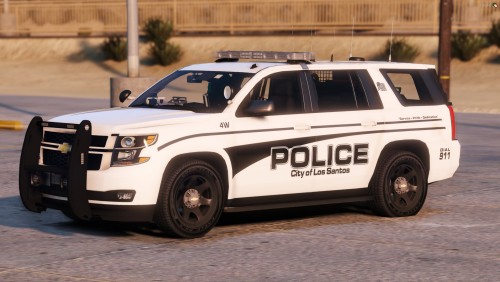 So the cars listed there work for this pack then as well?
 -
why release skins for those models if no one can get the vehicles themselves? unless your saying they work on any other model of the same year?
-
 This doesn't work. All files are in the correct place and nothing happens. The downloaded vehicle is in the game. I have tried this mod 4 times and doesn't work.
- 2,699 comments
- 240 reviews
