


DerKiian
Members
-
Joined
-
Last visited
Everything posted by DerKiian
-
Then I'm afraid I don't know what to do either.
-
No problem. I still have one idea. What time did you enter at plugin timeout threshold? (you can find it in the RageHookPlugin menu before you start the game).
-
I'm afraid I don't know why it's not working for you, sorry.
-
Then please explain how it works that you can use police smart radio in LSPDFR 0.4.
-
Have you tried reinstalling EUPMenu.dll?
-
No problem! Have fun playing
-
Hello urfatherleftyou, you need to put your files for the cars in .../patchday20ng/dlc.rpf/x64/levels/gta5/vehicles.rpf and not in .../patchday20ng/dlc.rpf/x64/levels/patchday20ng/vehiclemods I made you another video where I show the correct folder. Many greetings! Kian
-
Hello kd0321, Police Smart Radio is only compatible with the old LSPDFR versions (it says so on the site), so you won't be able to use police smart radio on LSPDFR 0.4. I use as an alternative stop the ped and Ultimate Backup. Many greetings! Kian
-
Hello warylukerblox, just download the latest version of LSPDFR and paste all the files into the GTA directory. Then it should work. RageHookPlugin is as far as I know already included in the LSPDFR download. Many greetings Kian
-
Hello Kejrol, did you install a modified gameconfig?
-
Hello, I have completely rebuilt my LSPDFR after the new GTA update and now have the problem that whenever I arrive at a callout, the game crashes. Maybe someone can help me.
-
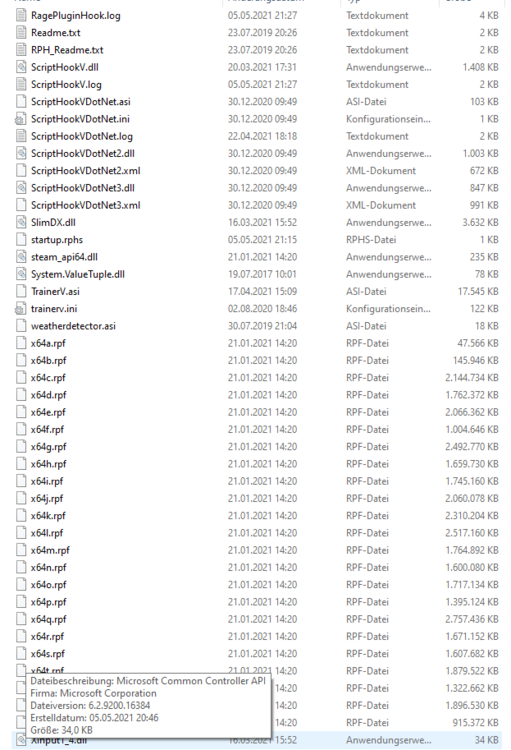
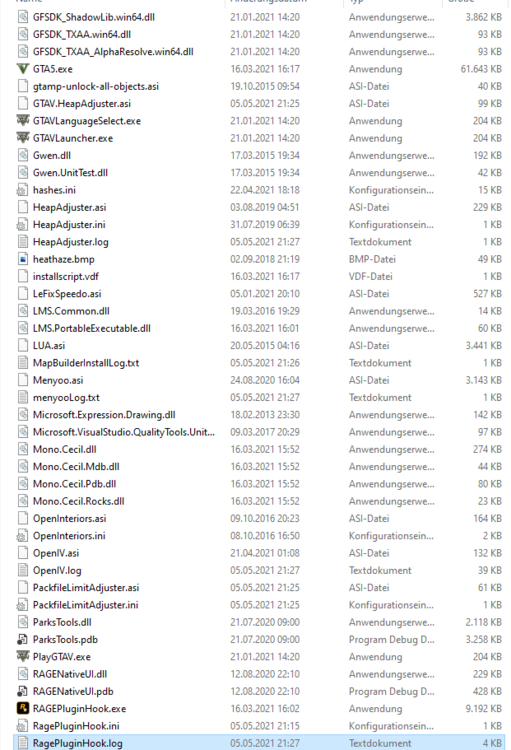
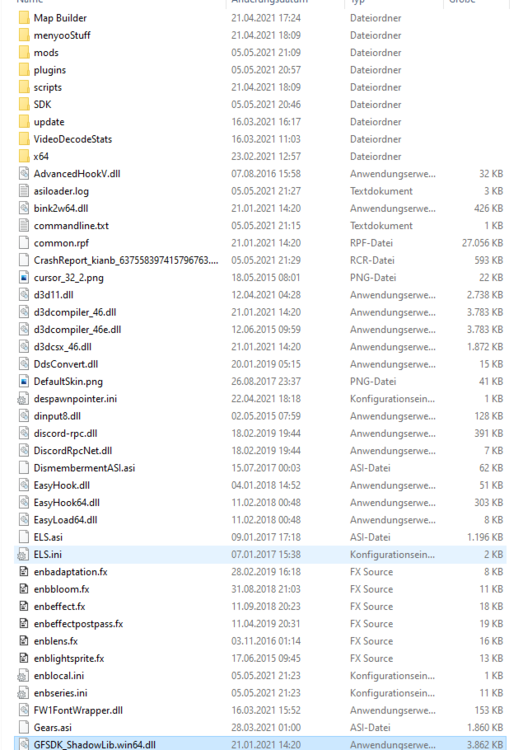
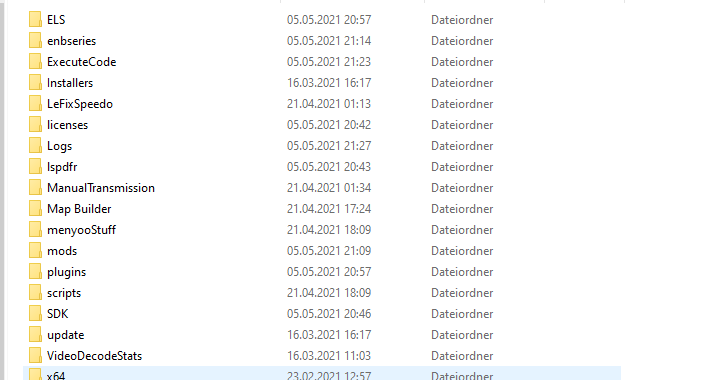
Hi Guys, I have a problem with starting GTA. I just installed everything fresh. Maybe one of you can tell me something about it. The log doesn't really tell me anything. I've pasted you pictures of all the files and folders and the log. Kian RagePluginHook_05052021_192341.log
-
Du musst dein "mods" Ordner löschen und neu erstellen mit OpenIV, liegt daran, dass sich die Dateien fürs Spiel durch das Update geändert haben und jetzt nicht mehr mit den Daten im Mods Ordner übereinstimmen.
-
Moin AGW2020, ich hatte das selbe Problem. Vielleicht hilft dir dass https://www.lcpdfr.com/forums/topic/106291-lspdfr-stuck-on-loading-screen-whats-the-problem/ Bei mir klappt es jetzt! Viele Grüße! Kian
-
Für alle die in der Zukunft auch das Problem haben. Hier die Lösung:
-
Moin LSPDFR Community, ich wollte heute mal wieder LSPDFR spielen und habe LSPDFR & RageHookPlugin & ScriptHook und meine plugins aktualisiert (wegen dem GTA Update). Seit dem habe ich das Problem, dass immer, wenn ich RageHook starte ich in den Ladebildschirm komme, aber nicht mehr passiert. Vielleicht kann mir jemand von euch weiterhelfen und hatte das Problem auch schon einmal. Viele Grüße! Kian RagePluginHook_27122020_140816.log




