Koduuh
Members
-
Joined
-
Last visited
Everything posted by Koduuh
-
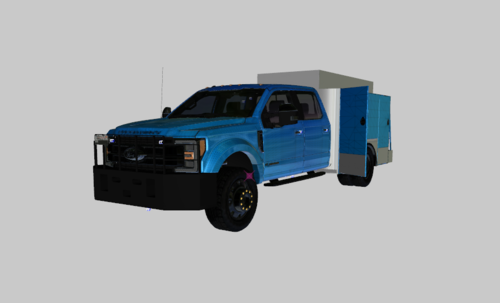 Yes it’s been tested in game and works fine I will fix the hierarchy when I get a chance and the reason I released it is because I can. have a nice day 🙂
 -
Hello, unfortunately no because it is not mine to release
-
This model is not perfect, nor should you expect perfection. This is my first time taking on a decently sized project. ---------Credits--------- Models Put together by: Koduuh a lot of help from: XTheGreatJamesX ESU Bed/ Parts: 0taku F450 Base Model: Private Model Door Collisions fixed and Template improved by: Zeakor
-
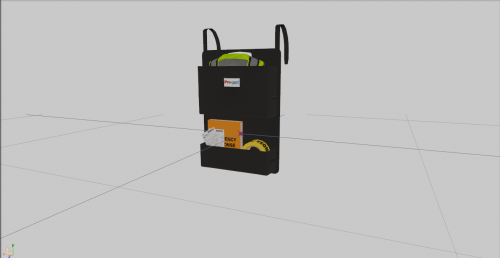 No Problem! 🙂
 -
Made by ErinLindsay for GTA IV Converted to GTA V by Koduuh I DO NOT CLAIM THIS AS MY OWN I JUST CONVERTED IT