
Thick
Members
-
Joined
-
Last visited
Everything posted by Thick
-
Here's what's in my mods folder. Did I do the install of anything wrong? Like when you say remove them 1 at a time, are you talking about the dlcpacks?
-
Apologies I'm new to the forum haha I renamed the folder _mods and the game booted up fine! Loaded all Plugins and they work great. Now that we know it's the mods folder, where should I start from here?
-
Hey there, thanks for responding! Here's the RPH log. RagePluginHook.log I'll also rename the folder and give that a shot. Thank you!
-
Hello all! I am attempting a fresh install of LSPDFR for the first time in some years. I installed the main LSPDFR files, jumped in game to make sure everything worked (it did), then continued to install all my preferred mods. Unfortunately, I'm very technically challenged when it comes to modding this game so I come here for support. Below I have linked a video example of the crash, as well as a look into my important GTA V game files in my main directory. If anyone has any ideas, please leave them below! Desperate for a fix. https://www.youtube.com/watch?v=fubwwKu4ZFk
-
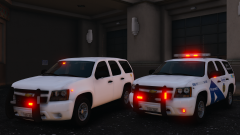 When will you release the tahoe?
 -
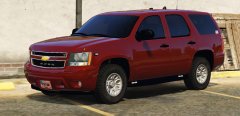 Is this still coming out? I really love this model.