
nkyva
Members
-
Joined
-
Last visited
Everything posted by nkyva
-
 Okay thanks for giving more context.
 -
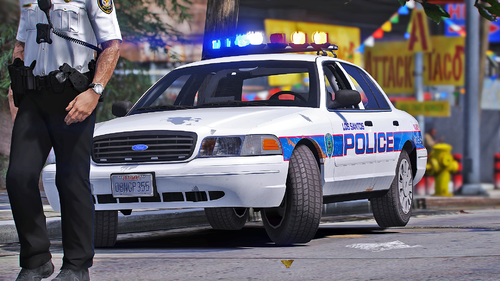
Why is the plastic piece on the back rusting. Last time I checked plastic doesn't rust.
-
 Cock and ball torture (CBT), penis torture or dick torture is a sexual activity involving application of pain or constriction to the penis or testicles. This may involve directly painful activities, such as genital piercing, wax play, genital spanking, squeezing, ball-busting, genital flogging, urethral play, tickle torture, erotic electrostimulation, kneeing or kicking.[1] The recipient of such activities may receive direct physical pleasure via masochism, or emotional pleasure through erotic humiliation, or knowledge that the play is pleasing to a sadistic dominant. Many of these practices carry significant health risks.
 -
release gta 5 lspdfr block roblock car next bruh bruv.
-
-
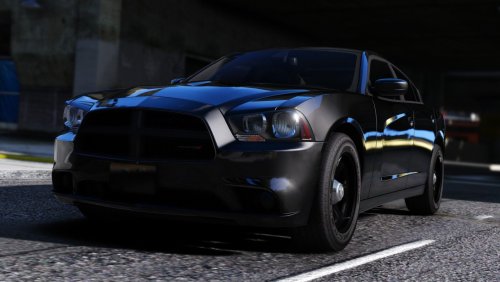 Is there hubcaps available for this model?
 -
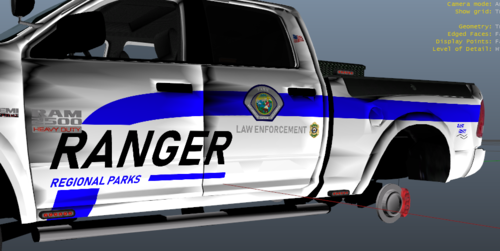 Hey Dude This Is A Really Nice Skin For Being "Scuffed" Very Underrated For A "Scuffed Skin" Really Loving It My Dude!
 -
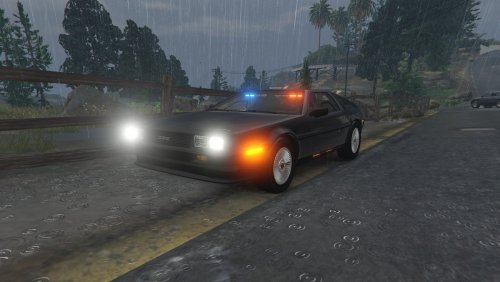 Can this thing fly.
 -
-
-
-