


503Blink
Members
-
Joined
-
Last visited
Everything posted by 503Blink
-
Howdy folks, Got a new pc and wanted to get back into LSPDFR. Through Steam the game failed to initialize... fine. I go through the steps that have been established by going into story mode and then Alt + Tab to launch Rage. This worked once getting into LSPDFR and creating my character. Now after adding a few plugins the game will completely close out after "Populating world..." It seems like any .dll will instantly crash the game, Clear the way was the last line in the log before the crash. I then deleted and tried with DamageTrackingFramework and the same issue occurred. I have also tried _mods but that has not changed anything. Any help is appreciated! RagePluginHook.log
-
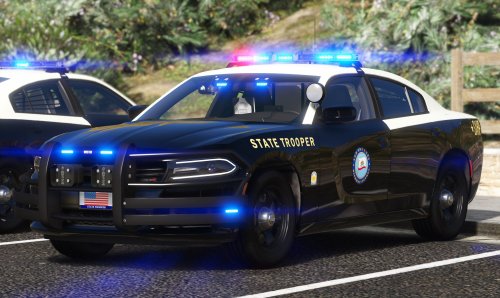 Im not much of a crown vic lover in game but yours in particular makes me want to drive it constantly, you good sir made an amazing little pack!
- 40 comments
- 4 reviews
-
Yup that was it man! thank you very much!
-
Howdy yall, So I have recently reinstalled LSPDFR and I'm having a grand ole time. But I have installed a callout along the way that will trigger a taxi cab pursuit. I have looked through all my callouts and even to a previous discussion post which saw no resolution on this issue. I've disabled the LSPDFR ambient events so as far as I know it can't be that. Can anybody help me regarding this issue so I can end my never ending aggression towards these cab drivers? My current callouts are listed below... - Count Callouts - Forestry Callouts - HWY Callouts - Maniac Callouts - Section136 Callouts - Super Callouts - United Callouts - Unsafe Callouts

