


RyanMcCowen
Members
-
Joined
-
Last visited
Everything posted by RyanMcCowen
-
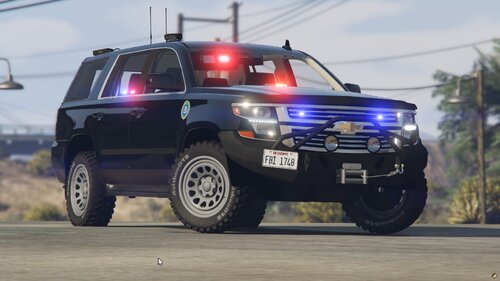 I really hope this vehicle gets fixed. But it is very broken. No damage/bullets that show up on anywhere except the driver door. Huge texture files sizes which are rightfully flagged by FiveM server consoles even before use. No glass on the 'windows', bullets look as if they're being shot right through, no glass texture.
 -
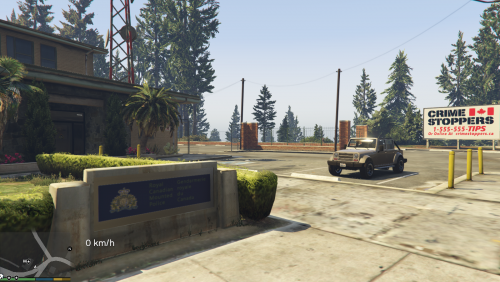 Any chance you could show/tell how to do this? I'd like to know how to do it so if needed I can change the textures to any state/city/department I need. Thanks!



