ltworkman
Members
-
Joined
-
Last visited
Everything posted by ltworkman
-
-
There are a few different files you can use to fix the issue. linked below.
-
It looks like LCPDFR not LSPDFR and it also looks like you're running a older version.
-
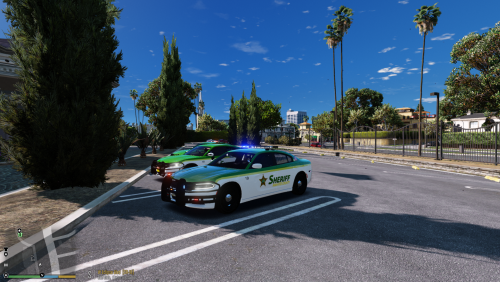 I wanted a change from what the department uses because it seems really plain imo. I wanted the font to be a little more flat and clean like.
- 2 comments
- 1 review
-
This is my rendition of Manatee County's Charger if they were to use one. Works with @Gump and @ablaze's Chargers that are below Credits go to the respectful owners
- 2 comments
- 1 review
-
-

- 1
-
-
 Noted, and title changed.
 -
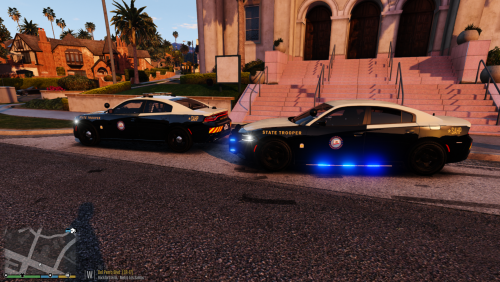
San Andreas Highway Patrol livery based off of FHP for use with @ablaze's 2015 Code 3 ELS Charger. Took me almost a day to finish this, as it is my first car that I made a texture for. Always taking suggestions for improvements. Credits go to the respectful owners