


uncountable
Members
-
Joined
-
Last visited
Everything posted by uncountable
-
.thumb.PNG.af07c1ba4e56e747e420ef5393b352d0.PNG) mine doesnt work for some reason. I can access the computer, but it won't let me select any options with the controller or on the keyboard
mine doesnt work for some reason. I can access the computer, but it won't let me select any options with the controller or on the keyboard- 68 comments
- 14 reviews
-
 paste the C:\ProgramData\Unified Remote\Remotes\Custom into your windows search bar and it will come up
- 133 comments
- 13 reviews
-
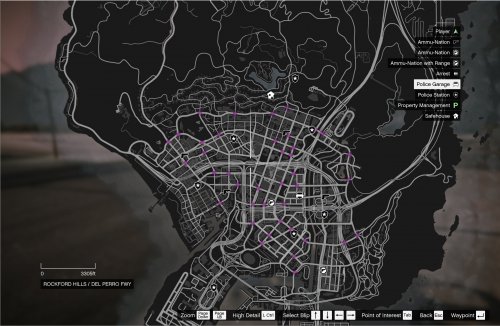 It is an awesome mod with a great approach, but the only down side its it drops the frame rate. I would use this mod a lot more, but due to the frame rate dropping a lot I have to stop using it. I will be waiting for updates and when the mod doesn't drop frame rates I will defiantly download again
 -
one thing for sure I suck at key binding stuff
-
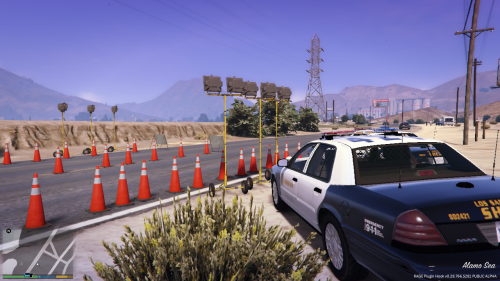 If you start at the airport and follow the red line, there will be small red circles and I believe those are the locations. Zoom in on the airport and you should see the red line and be able to follow it
- 2 comments
- 1 review
-
Yeah you are probably right. I'm thinking what I could is have the ELS, backup for pursuits and police radio on controller (those buttons I can fix) then everything else on the keyboard. I just very recently installed LSPDFR so I'm still working out the kinks on what would be good for me
-
I am using an xbox one after glow prismatic wired controller and I was wondering what would be the best bindings to use my plugins. The plugins I have are ALPR +, Arrest Manager, bait car, computer +, lojack, Police search, speed radar lite, spikestripbackup, StopThePed, traffic control, traffic police and traffic stopbackup. Attach is the layout of the controller and I want to get some opinions on which buttons should be my bindings so not every plugin is using the same button. What buttons would your bindings be? and what would it be typed out as when choosing that button to be in that place you want
.thumb.png.322fe3222f836ab503db0d4d69803df5.png)

.thumb.PNG.af07c1ba4e56e747e420ef5393b352d0.PNG)


.png.5e9dc0ea8f2d9a5ccedd3fc889376986.png)