


.png.417f85e62497ec5ac359a937b7c8e19b.png)

bzisniper
Members
-
Joined
-
Last visited
Everything posted by bzisniper
-
-
-
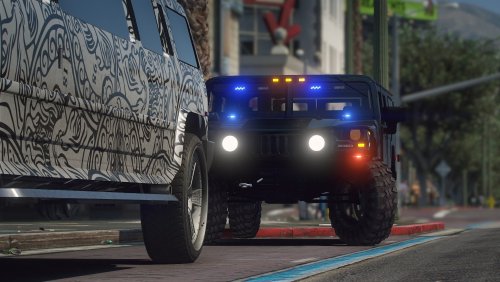 the Dev Model doesn't come with lights, so he put lights on it and made it ELS, the dev model also doesn't come with equipment so he added that too
- 44 comments
- 2 reviews
-
-

- 1
-
-
-
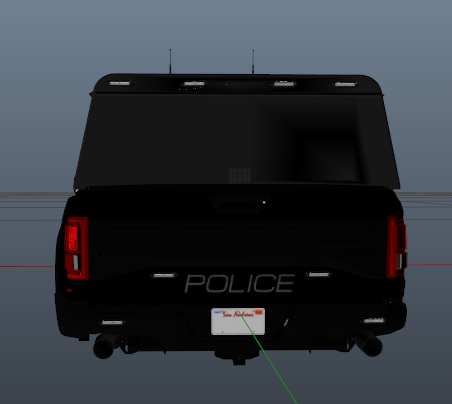 This Raptor is quite outdated but still good, I have a newer one out in my discord, just shoot me a message for a link.
 -
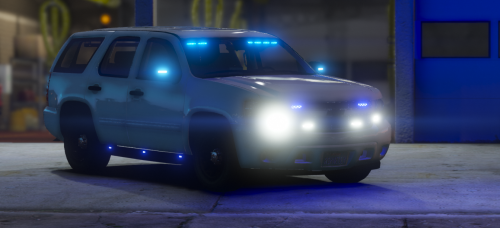 he's literally the nicest person you'll meet in the community, he doesn't believe in modelers making a profit, unless it's through donations
- 12 comments
- 2 reviews
-
-
- 1
-
-
 https://www.lcpdfr.com/downloads/gta5mods/vehiclestextures/
 -
-
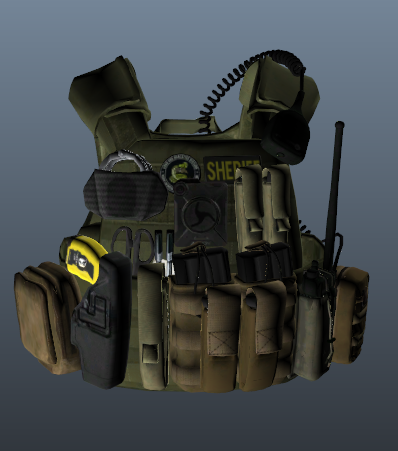 wish people would put a vest like this on a ped, I love tac vests with lots of equipment on it, but I use peds for my FiveM server
 -
-
-
-
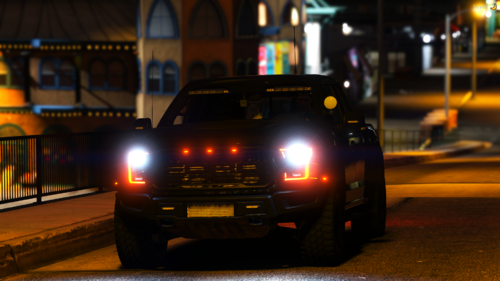 I have noticed I haven't been giving LSPDFR any love lately and only selling my vehicles, so I decided to release one of my vehicles I have not sold. Please note, I will not be updating this vehicle, so if you ask me to change something, the answer will be no. If you are interested in more of my vehicles check out my discord: https://discord.gg/dZ9XB8R Template: https://media.discordapp.net/attachments/673396677750685717/676185932025823282/raptor_sign_1.png
- 17 comments
- 2 reviews
-
-
- 1
-
-
-
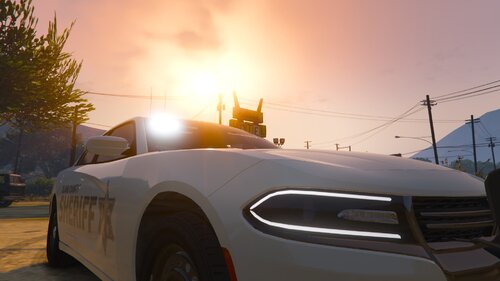 Needs more side lighting, maybe some on the pushbar, 2 dominators on the pushbar is a little excessive, and lacking some equipment such as a spotlight and partition
- 13 comments
- 2 reviews
-
How is it that ELS was made to make more realistic lighting solutions, but we can’t even make custom patterns for it? We should be able to make custom patterns just like non els... We should be able to make extras turn on with 1s and 0s like non els....
-
-
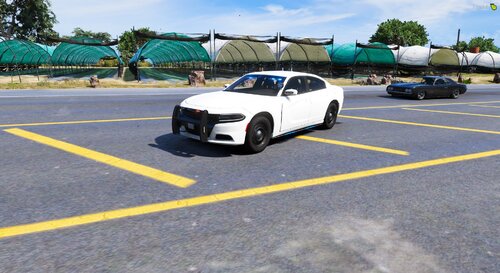 I was just using the size it came as, but ok just figured since it was that small, it was the real size
- 7 comments
- 2 reviews
-
This is my second release to LSPDFR, I would like to receive constructive criticism, but not completely tearing my vehicle down. Thanks for checking out my model. Vehicle Details: Make: Dodge Model: 2018 Charger RWD/AWD: All Wheel Drive Unmarked/Marked: Unmarked Credits: Federal Signal Spectralux ILS - @Cj24 Whelen IONs - @krul Whelen Avengers - @0taku Setina Pushbar - @Twurtleee Partition Pack - @Twurtleee Antenna Pack - @Raptor2000 Laird Antenna - @VooDoob Side runners - @Raptor2000 Console - @Terry Sloman 2018 Charger Dev Model - @Peralta Lighting Setup, Modeling - @bzisniper (Myself)
- 7 comments
- 2 reviews
-
-
- 2
-
-
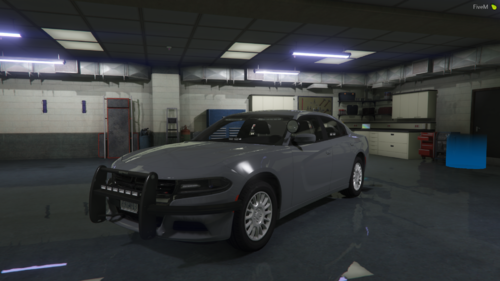 why are the side runners the only thing flashing with both red and blue at the same time?
 -
-
Hello, I have a lighting package in mind but don't want to post it here, then have someone sell it. I want people who are actually willing to make it! If you have any questions or are willing to make it PM me on Discord. bzisniper#7577 Thanks, Brenden
-
-
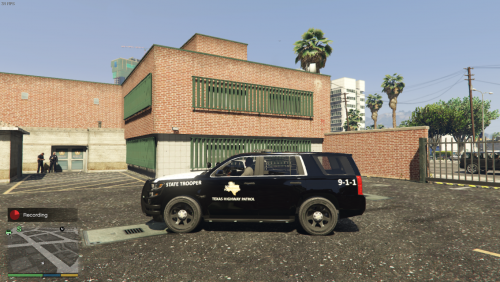 1) it would be decent if it didn't have 9-1-1 on the side, because they don't actually have that 2) where is the link to the original model?
 -
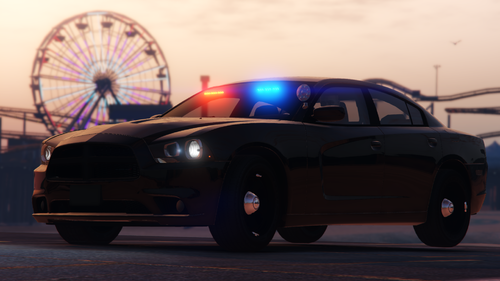
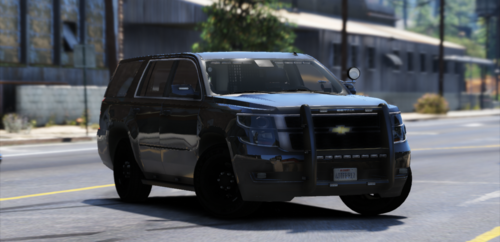
Hello, can someone make a texture pack like this: for Captain14's LSPD Pack: Thanks in Advance, bzisniper


.thumb.png.2e98f42eb9ea9fb1d0f89e073e44e3f2.png)
