.png.417f85e62497ec5ac359a937b7c8e19b.png)

bzisniper
Members
-
Joined
-
Last visited
Everything posted by bzisniper
-
 Been busy, thought he would of gotten the screenshots done in time, I have them now but kinda busy
- 27 comments
- 3 reviews
-
-
-
-
-
-
-
-
Hello, I am bzisniper for those of you who don't know me I mainly do NON-ELS but I have recently gotten into playing LSPDFR so I decided to try and make a ELS car, this is the product. This car is optimized for police2 replacement, there is only currently a Red/Blue version currently, may add a all blue version later on. Installation guide in included in the readme.txt. Make sure to join my discord! https://discord.gg/qJXtY9C Thanks to Lobsterninjas for screenshots, and Thanks to Torz for skin
- 27 comments
- 3 reviews
-
-

-

- 10
-
-
-
.thumb.png.31299dbfb740ca0bd9f0e8d74eb9381a.png) please stop
please stop -
.thumb.png.3f5dec4868a8bfc4b0cd5d5253d8adbb.png) it's a nice patrol belt, but most detectives don't wear a duty belt, just a holster and clip a badge on their belt
it's a nice patrol belt, but most detectives don't wear a duty belt, just a holster and clip a badge on their belt -
.thumb.png.2f4e82f7ab64e1bc958a1231b1f7e9ad.png) appreciate it, but not anytime soon
appreciate it, but not anytime soon -
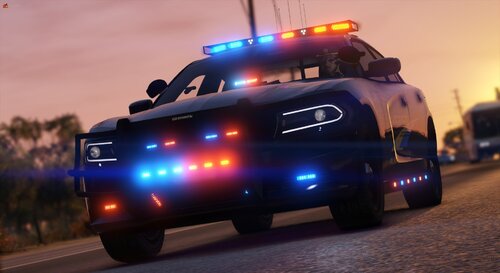 DLS requires nothing different, it's the same as NON ELS, just a script made to control the lights
 -
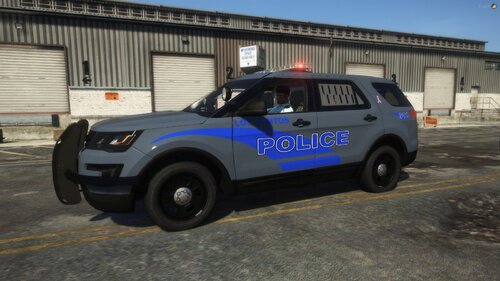 Wow that radar is WAY overscaled.
 -
it's a addon
-
no problem
-
I don't but I can provide the template if you want to make one Edit: I attached the template in the description
-
This car is slicktop only, it has blue/white lighting, and is NON-ELS. It was based off this car: https://www.youtube.com/watch?v=WEk0ZPfWVKM
-
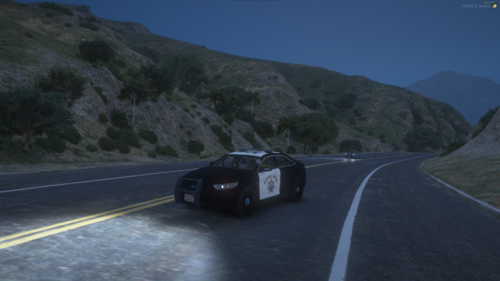 conflicting carcol ids
 -
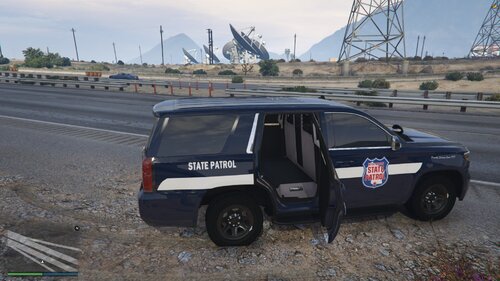 very green pushbar
 -
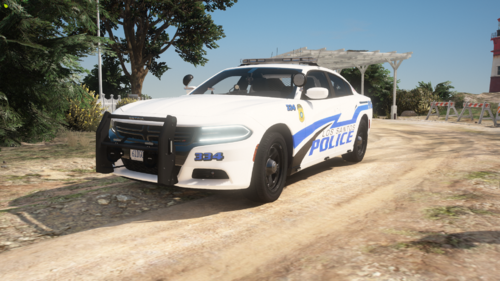 appreciate it
 -
-
CEO
-
lol only posted it 2 hours ago, give it time


.thumb.png.31299dbfb740ca0bd9f0e8d74eb9381a.png)
.thumb.png.3f5dec4868a8bfc4b0cd5d5253d8adbb.png)
.thumb.png.2f4e82f7ab64e1bc958a1231b1f7e9ad.png)