Daniel's Workshop
Members
-
Joined
-
Last visited
Everything posted by Daniel's Workshop
-
-
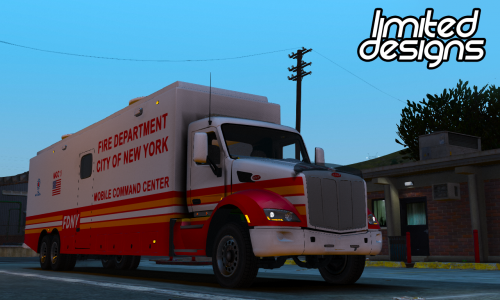 FDNY Command Post for Wraith Haven Customs' Peterbilt MCC Installation: Open up mcc.ytd. Find mcc_sign_1. Click replace, and choose my texture! ↓ ↓ Join my Discord for more! HERE I do free vehicle skins for everyone!! Model Link:
 -
-
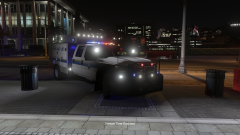
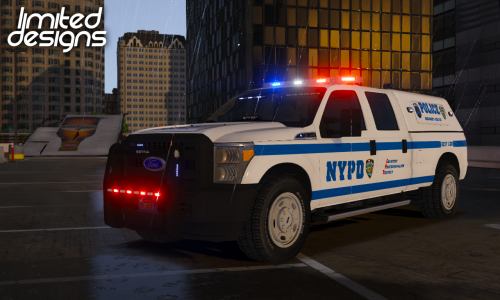 My first upload! New York Police Department ESU based skin for Thehurk's Ford F-350. Installation: Open up sheriff2.ytd. Find f350_sign_1. Click replace, and choose my texture! DO NOT USE ON FIVEM WITHOUT PERMISSION! Join my Discord for more! HERE Thehurk's Model: HERE
 -
 Can we get this released?
 -
-
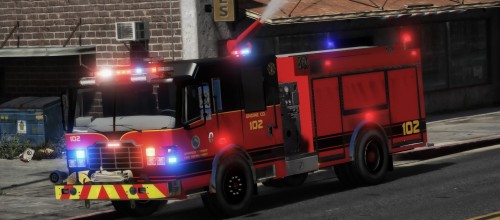 Not everyone uses ELS, so that is why. If you would like to use them right now, I would suggest removing ELS, or just waiting.
- 54 comments
- 2 reviews
-
-


.thumb.png.de05aae65667debc576e4b43cd7a384d.png)