
smoketoobig
Members
-
Joined
-
Last visited
Everything posted by smoketoobig
-
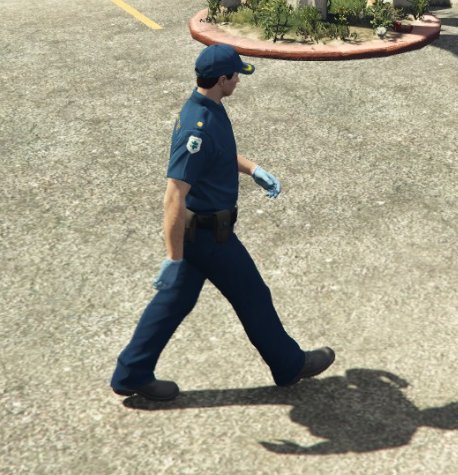
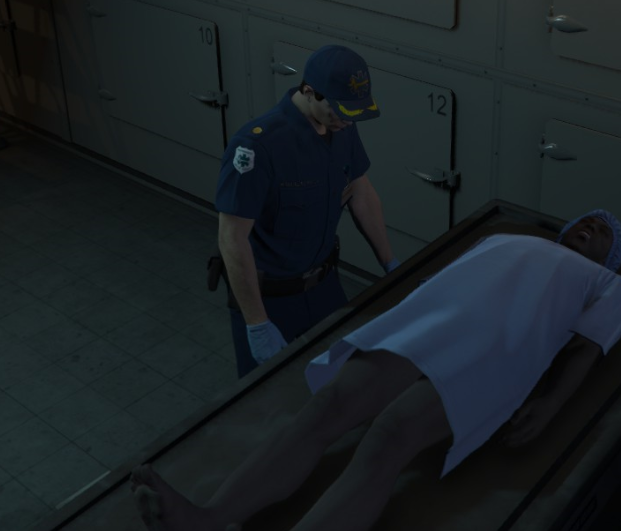
So I was playing act one of the doomsday heists with my friend earlier, and for a setup, one team had to act as paramedics and wear some pretty nice uniforms, much nicer than vanilla EMS uniforms. So, I was wondering if there was any way someone could make those into a mod for the paramedic peds as they look a lot nicer.
-
-
-
 Hey, so I've been trying to use the duty belt and it works... but only for BCSO long sleeve. It shows up on the LSSD long sleeve but with wacky and messed up textures. Also, it only shows up for BCSO and LSSD, none of the other agencies. Any way to fix this? I've already tried clean EUP and replacement belt reinstall, but same result as before.
- 124 comments
- 37 reviews
-
Any idea on where I might find those?
-
I'm pretty sure it's F11 by default, not F12, try that.
-
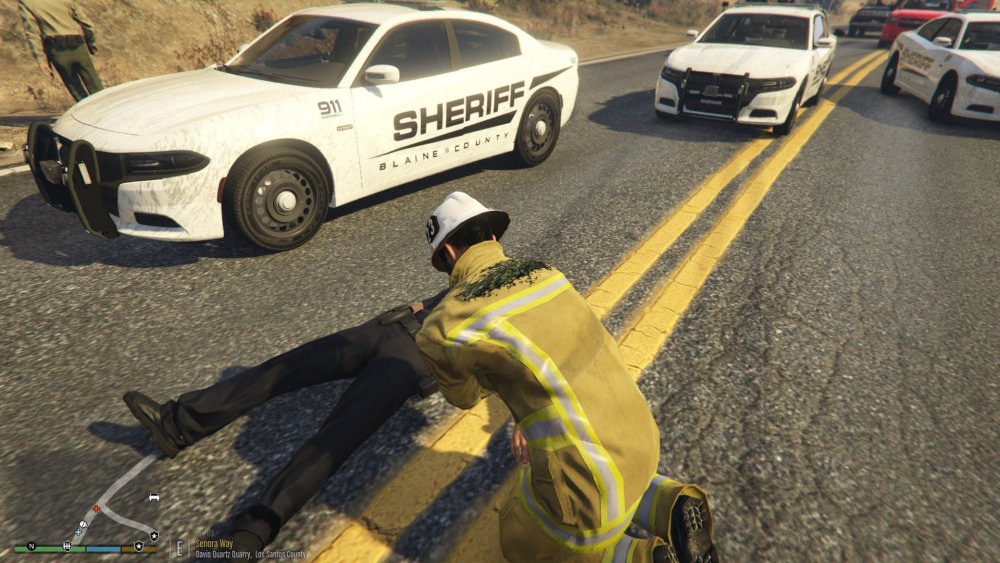
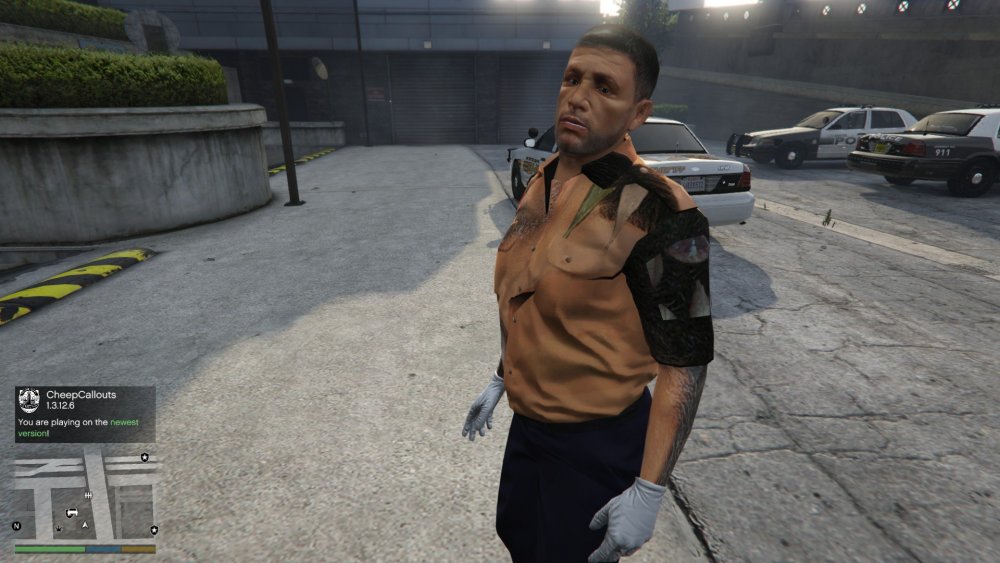
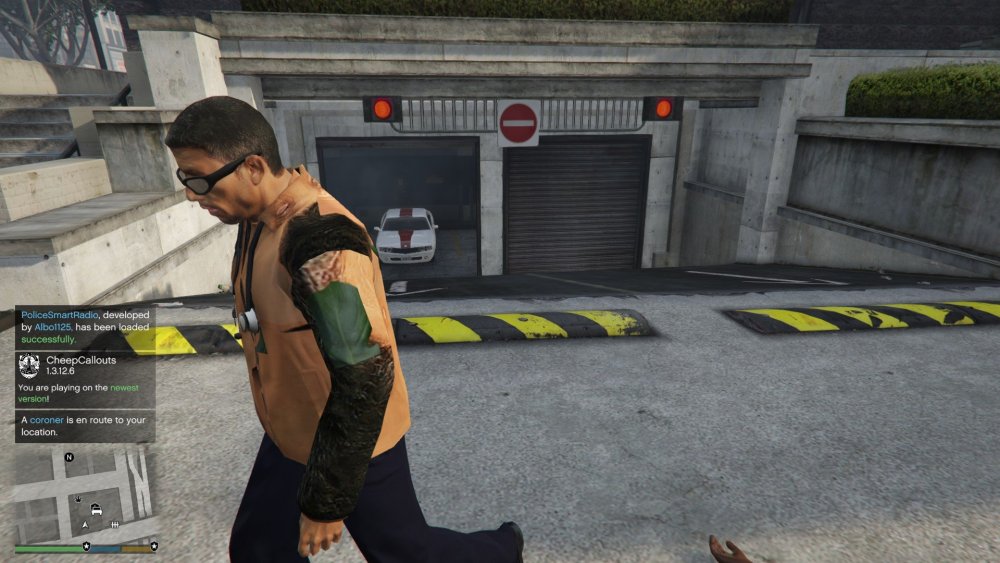
So, the FF and EMS ped uniforms are messed up. FF works fine except for on the back where it should say LSFD, it's some random garbage. Same with EMS uniforms, but sometimes EMS has a tan shirt with more messed up textures. I've tried multiple different EMS and FF ped modifications but the same still happens. If it helps to know, I used RDE a while back but was unhappy with it and got rid (or attempted to) of it.