



Syndicate Designs
Members
-
Joined
-
Last visited
Everything posted by Syndicate Designs
-
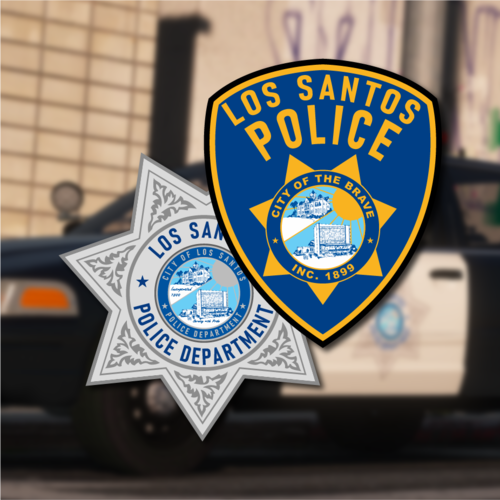 It's been a while, hasn't it? Vehicles used: 2014 Charger 2018 Charger 2013 FPIU 2016 FPIS 2011 CVPI 2014 Tahoe 2006 Tahoe This texture pack was intended to work with the following vehicles: Or you can use other models, I can't stop you.
- 4 comments
- 1 review
-
-

- 2
-
-
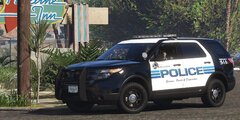
From the album: Unreleased
-
-
-
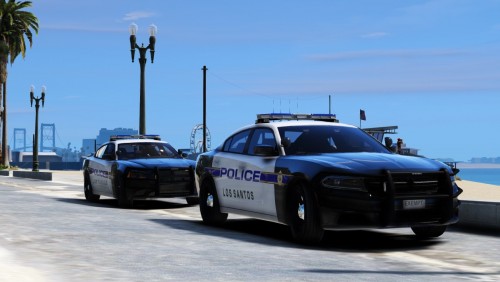 Vehicles Used: 2014 Charger, 2015 Charger, 2011 CVPI, 2015 Tahoe: 2010 Charger: 2014 Slicktop/Ghost Charger: --- If you want all blue lighting for the vehicles in the LSPD pack, go here and CTRL-F "thegreathah's LSPD pack"
 -
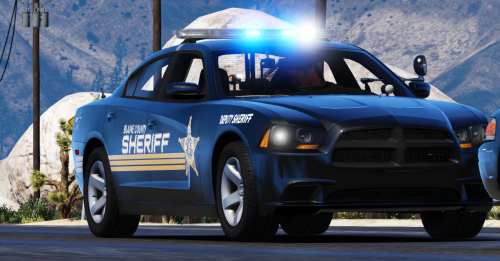 You'll have to change them using a trainer, they'll be in the muscle category, titled 'Muscle Freak'.
- 3 comments
- 3 reviews
-
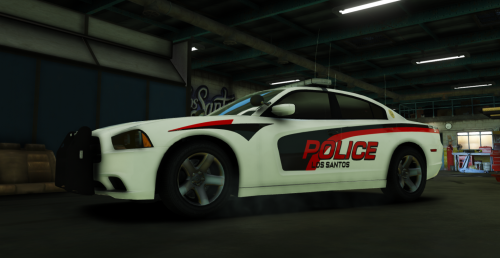 Vehicles used:
 -
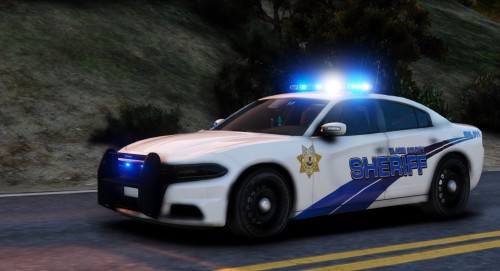 Vehicles used: To make your experience better with this pack, I suggest using this: (CTRL + F "Jedahdiah's Los Santos Regional Police Pack")
 -
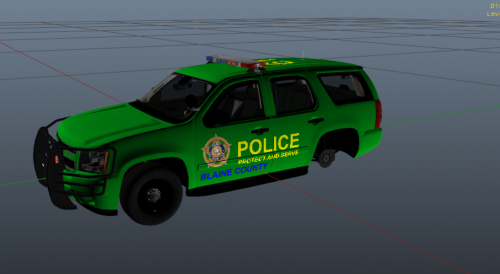 فاهس حشؤن هس بعؤنهىل شةشئهىل! i like
 -
-
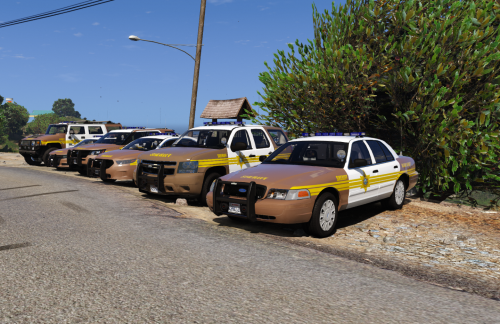 I'm glad we have a mutual understanding of the situation and can come to an agreement to a solution.
- 43 comments
- 5 reviews
-


