


eldiablo
Members
-
Joined
-
Last visited
Everything posted by eldiablo
-
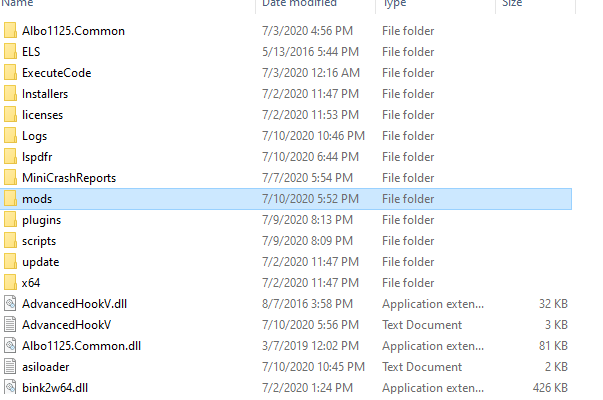
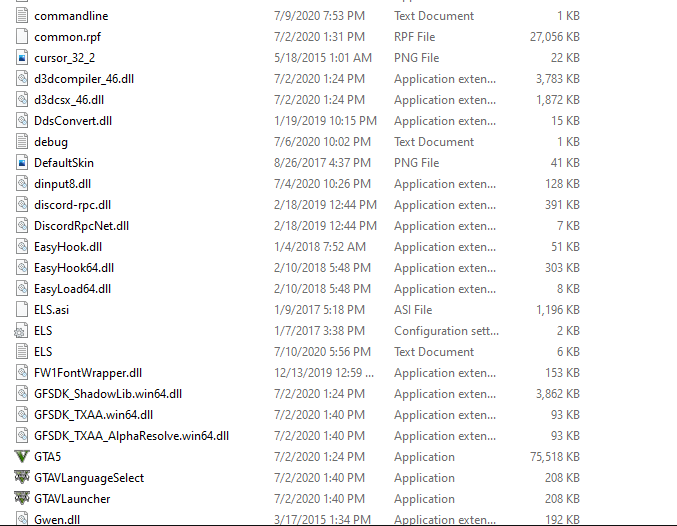
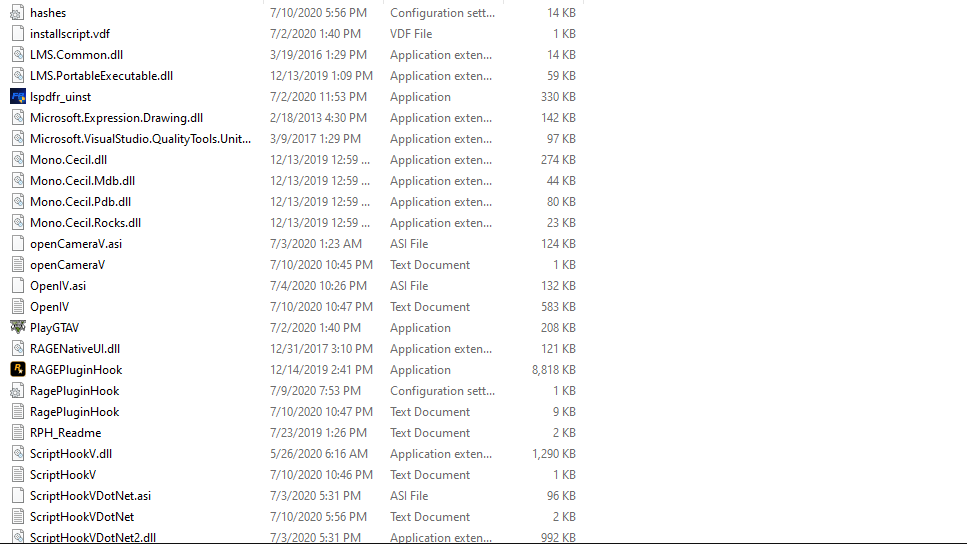
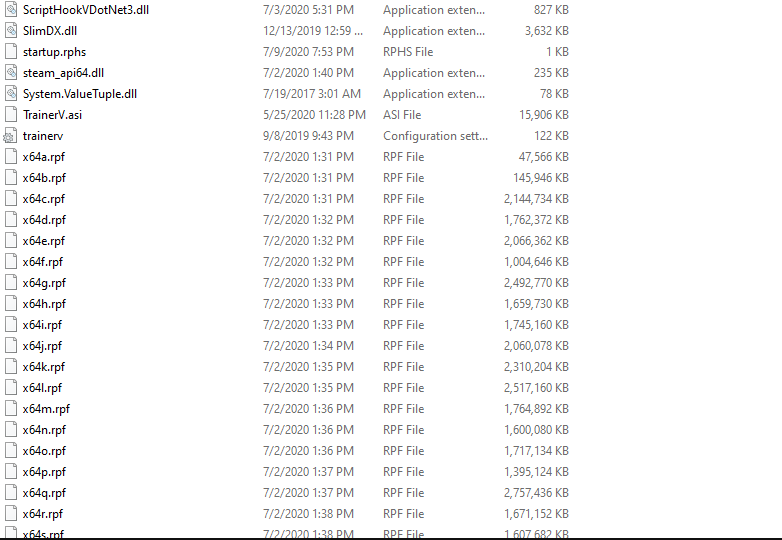
I start GTA V from Steam. Once the game is fully up and running, I launch RPH. It goes through, successfully hooks, all the works. Then I get the "Loading Story Mode with Rage Plugin Hook" message at the bottom, and everything appears to be working fine. However, about half the time, it crashes during that process, and the log has this exact same pattern each time, ending with the TimeScale lines. I'm not sure what exactly this means, so if anybody could please help me decipher this and isolate the cause of the issue, I would really appreciate it. I've also attached pictures of my root directory just in case that's helpful. Thanks in advance!

-
TmBB, This bike looks awesome in the pictures. However, I can't seem to figure out how to correctly install it. Whenever I try, it warps the bike. I placed it in the police2 slot. I need help installing this.
- 43 comments
- 8 reviews
