Morgan Bateson
Members
-
Joined
-
Last visited
Everything posted by Morgan Bateson
-
Not much of a clue then I guess.
-
Got a chance to look at it yet ? Not in toooo much of a hurry, but immersion is gone if you have to restart the game every 15-30 minutes because it starts to lag all of the sudden.
-
Thank you for answering, here the stuff you requested, if you need anything else, let me know. It's just a weird frame drop because it's not always there, but does happen frequent enough. The RPH log file stops right about the time when the frame drop happened.
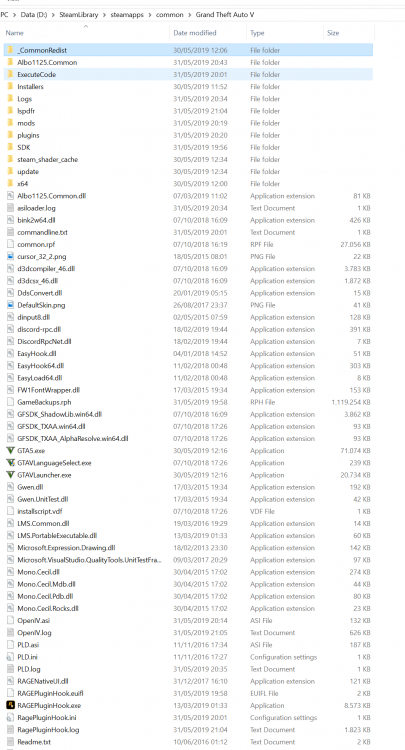
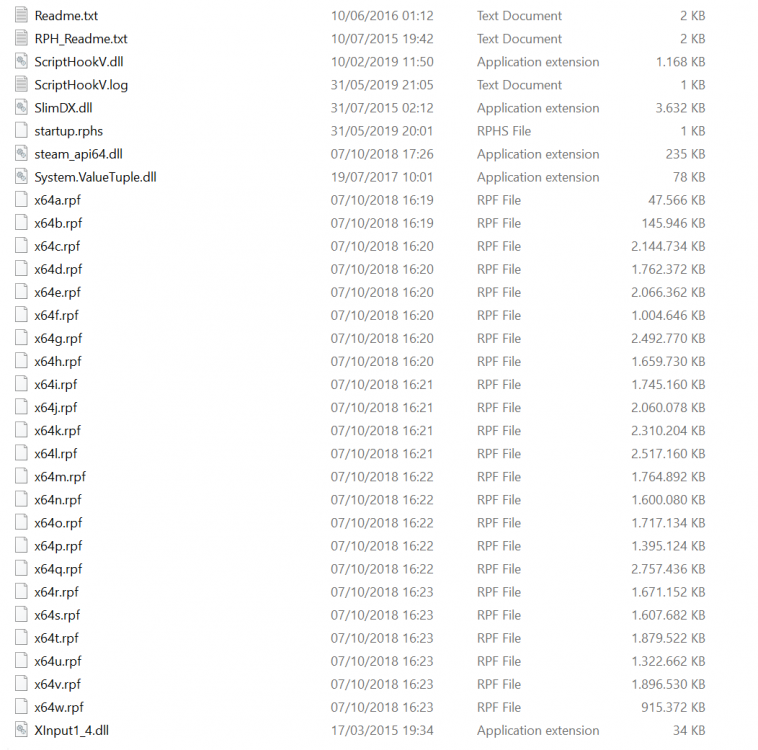
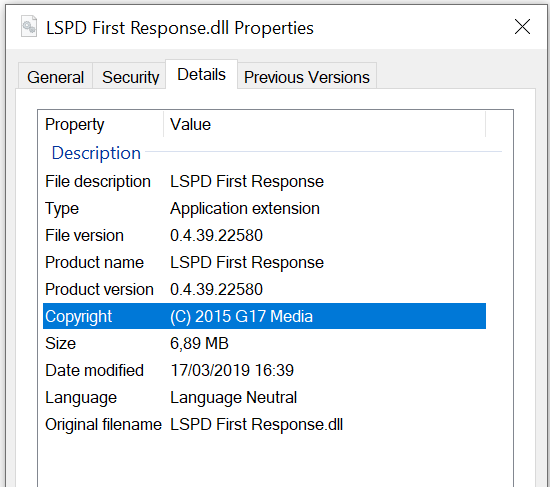
-
Hi, Reinstalled GTAV and reinstalled LSPDFR fresh together with some plugins/mods, setup is like this: - LSPDFR 0.4.1 - Albo1125 latest library - Arrest Manager - Traffic Policer - Police Smart Radio - Realistic Guns Sounds 3.1 (Nov 13, 2018) (Xenort) - UnitedCallouts 1.5.3 (March 19, 2018) (sEbi3) - RPH 0.65.1237.15477 - Scripthook v1.0.1604.1 Which, I thought anyway, is a minimalistic setup. Everything runs fine, did a callout no issues at all. 2nd callout I get an issue I was having which was the reason for me to reinstall in the first place: - Pursuit goes ok, final moments when you are eye to eye with suspect, MAJOR loss of FPS. I really wonder why I get this big drop of FPS with no vehicle mods at all and only 'some' plugins .... Browsing FAQs I read: but only if you: I have no texture loss. Also, some pursuit and arrests are going well. Not sure where to look ... Should I disable preloadallmodels ? I'm adding RagePluginHook log file. RagePluginHook.zip