


Gonik
Members
-
Joined
-
Last visited
Everything posted by Gonik
-
Hello. Thank you so much for responding. The problem with the interiors is not so important. More important is the problem with the start of the chase (#1).
-
Hello everyone, the topic is still relevant. Help me please. Thanks
-
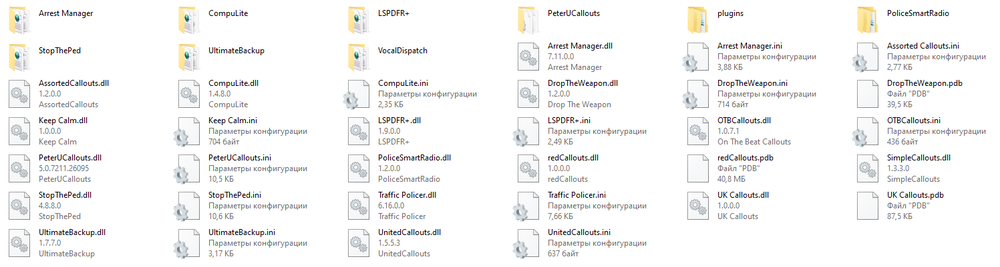
Hello, Stranger (I think no one except you will answer. Thank you very much for your help) and hello everyone. Faced two problems: 1. When I ask the driver to stop and he leaves, provoking a pursuit, he is not systematically marked in red, and the pursuit of him does not begin systematically. However, spikes and patching maneuvers appear in the PolicheSmartRadio. What is the reason for this? How to fix it? 2. They called me about the robbers in the store, having arrived at the place of the call, I saw that the doors of the store were closed and the robbers were inside. When I'm in shift, the doors of all interiors (clothing stores, weapons stores, etc.) are closed. Which plugin can close them? I would like to turn it off. Thanks in advance for your reply. Have a nice day.
-
Okay. Thank you so much for the answer.
-
Due to the fact that a huge number of mods are available for LSPDF 0.4.2, I would like to install this version for myself, but I can not find a link to download this version. Where can I download LSPDFR 0.4.2? Thanks.
