
JCerb
-
Joined
-
Last visited
Everything posted by JCerb
-
 bro is this turkiye bro 🤣
 -
 hello is this non-els please show me the hi archy
 -
 heaven
 -
-
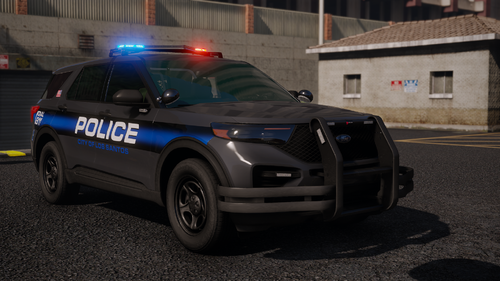 hate to be that guy but it is outlined in the description. If you really wanted these "compatible" with ELS, you could use a "Dummy" ELS File that jumps straight to Code-3 lighting.
 -
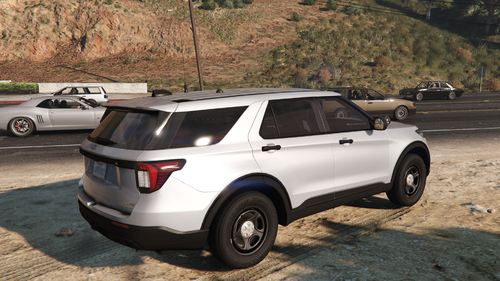 That's actually not RYM1BR's Fault, the Model is Still Kane104's 2020 FPIU. The 2025 Variant was made by Matthew Peralta, and the edits seemingly didn't include a dirtmap. I think "Ruined" is a bit overrreactive.
 -
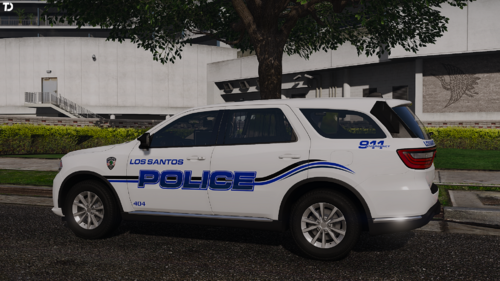 These are absolutely stellar. Outstanding work, as per usual! Would love to see the 16-19 FPIU moved on Georgie's new base.
 -
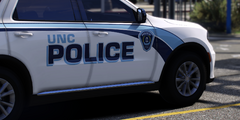
From the album: Personal Game - Cars & Screenshots
Lux libertas! This features UNC's new graphics style, featured on their 2021+ Durangos and latest batch of FPIUs. -
All my in game vehicles, lore-friendly or not, some public releases, some soon to be released, testing and etc. Usually this is Fire/Rescue/EMS Stuff.
-
UNC Police Department - Dodge Durango
-
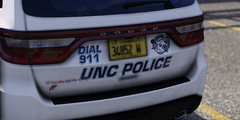 UNC Police Department - Dodge Durango
-
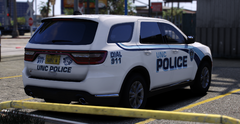 UNC Police Department - Dodge Durango
-
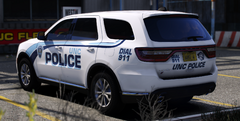 UNC Police Department - Dodge Durango
-
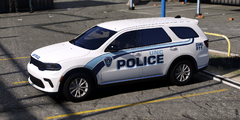 UNC Police Department - Dodge Durango
-
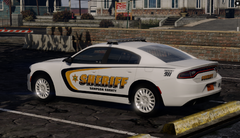 Sampson County Sheriff's Office, NC
-
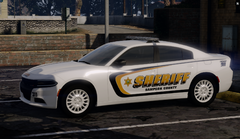 Sampson County Sheriff's Office, NC
-
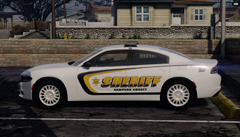 Sampson County Sheriff's Office, NC
-
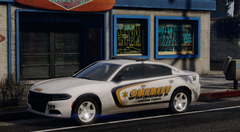 Sampson County Sheriff's Office, NC
-
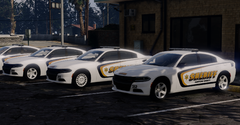 Sampson County Sheriff's Office, NC
-
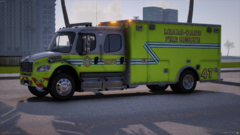 Miami Dade Fire Rescue - Rescue 47
-
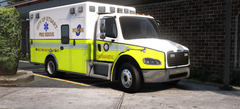 Stuart Fire Rescue - Old Freightliner R3
-
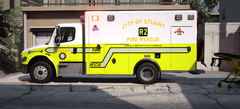 Stuart Fire Rescue - Freightliner R2
-
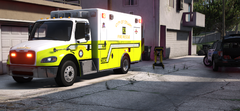 Stuart Fire Rescue - Freightliner R2
-
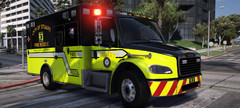 Stuart Fire Rescue - Freightliner R3
-
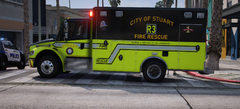 Stuart Fire Rescue - Freightliner R3
-
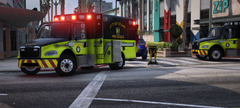 Stuart Fire Rescue - Freightliner R1 & R3
-
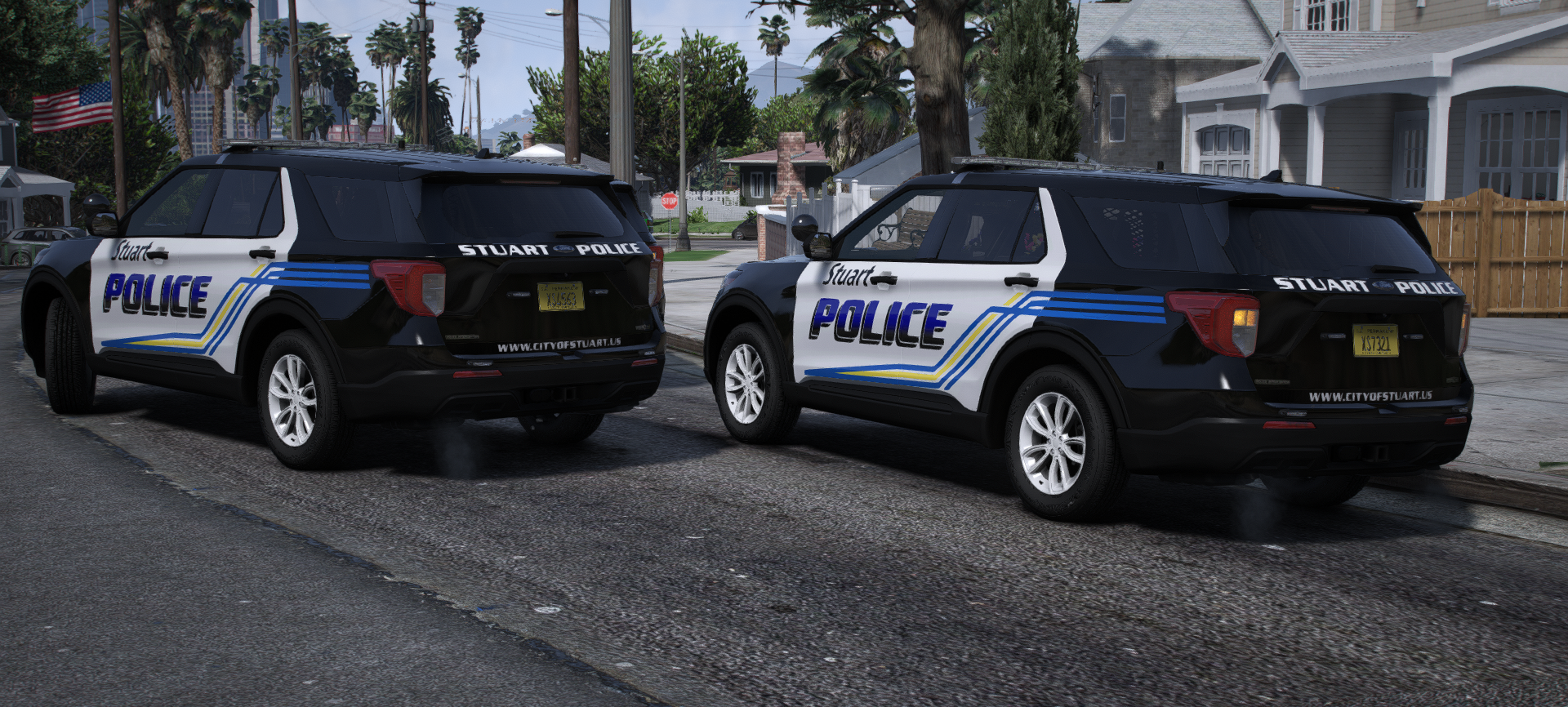
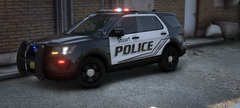 Stuart Police Department - 2016 FPIU
-
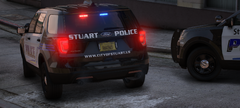 Stuart Police Department - 2016 FPIU
-
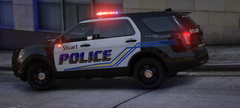 Stuart Police Department - 2016 FPIU
-
-
From the album: Personal Game - Cars & Screenshots
Lux libertas! This features UNC's new graphics style, featured on their 2021+ Durangos and latest batch of FPIUs. -
From the album: Personal Game - Cars & Screenshots
Lux libertas! This features UNC's new graphics style, featured on their 2021+ Durangos and latest batch of FPIUs. -
From the album: Personal Game - Cars & Screenshots
Lux libertas! This features UNC's new graphics style, featured on their 2021+ Durangos and latest batch of FPIUs. -
From the album: Personal Game - Cars & Screenshots
Lux libertas! This features UNC's new graphics style, featured on their 2021+ Durangos and latest batch of FPIUs. -
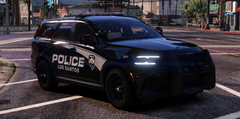
From the album: Lore-Friendly LSPDFR
Joining 203, Car 201 is now sporting black-painted alloys to better match the fleet's uniform styling. -
So, here we are. My Lore-Friendly folder. Made this to fill the gap, as I've been feeling "Lore-Friendly," more and more lately.
-
Los Santos Police Department - Car 201
-
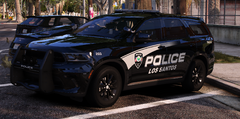 Los Santos Police Department - Car 203
-
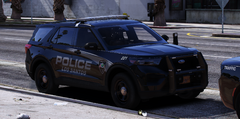 Los Santos Police Department - Car 221
-
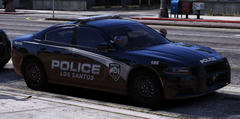 Los Santos Police Department - Car 196
-
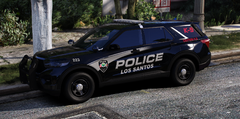 Los Santos Police Department - Car 223
-
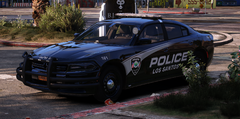 Los Santos Police Department - Car 161
-
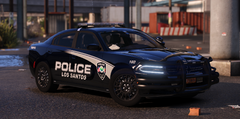 Los Santos Police Department - Car 160
-
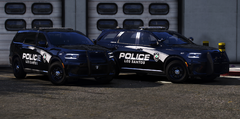 Los Santos Police Department - Car(s) 201 & 202
-
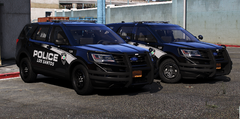 Los Santos Police Department - Car(s) 102 & 104
-
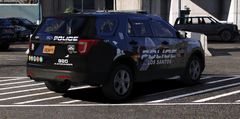 Los Santos Police Department - Car 101
-
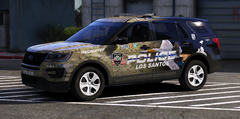 Los Santos Police Department - Car 101
-
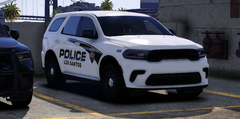 Los Santos Police Department - Car 400
-
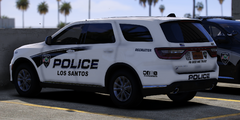 Los Santos Police Department - Car 401
-
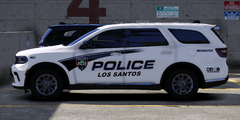 Los Santos Police Department - Car 401
-
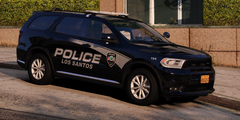 Los Santos Police Department - Car 194
-
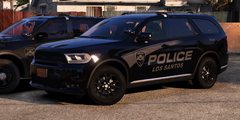 Los Santos Police Department - Car 192
-
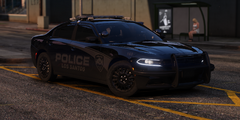 Los Santos Police Department - Car 163
-
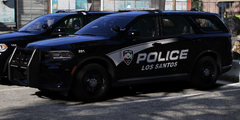 Los Santos Police Department - Car 201
-
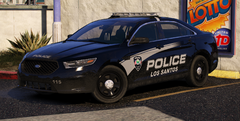 Los Santos Police Department - Car 115
-
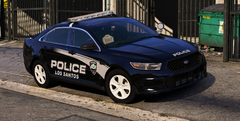 Los Santos Police Department - Car 114
-
-
From the album: Lore-Friendly LSPDFR
The absolute standard for the LSPD, 203 is assigned to the East Traffic Division, seen here with new pushbar graphics & freshly installed alloy wheels. -
From the album: Lore-Friendly LSPDFR
221, a uniquely equipped unit, Is seen here with it's Arges spotlight & additional pushbar lighting. -
From the album: Lore-Friendly LSPDFR
Again, using remaining 2023 Chargers, 196 is made to match the equipment setup of new Durangos & FPIUs in fleet. -
From the album: Lore-Friendly LSPDFR
One of K-9's newest vehicles, 223 features the newest standard for LSPD vehicles. GoRhino & Whelen. -
From the album: Lore-Friendly LSPDFR
A twin to 160, 161 is seen here without wheel covers, assigned to the East Traffic Div. -
From the album: Lore-Friendly LSPDFR
Funded using state grants, 160 features some nice equipment for the traffic unit, using LSPD's final batch of 2023-purchased chargers. -
From the album: Lore-Friendly LSPDFR
Seen here at the West Patrol Division, Cars 201 & 202 showcase both of the LSPD's Flagship testbed vehicles. One Features Westin & SoundOFF equipment, while the other Features Setina & Whelen Equip. -
From the album: Lore-Friendly LSPDFR
Common workhorses of the LSPD, these twin 2017 FPIUs are assigned to the East Patrol Division. -
From the album: Lore-Friendly LSPDFR
A rear shot of 101 showcases the awesome gradient and some of the graphics on the Trunk. -
From the album: Lore-Friendly LSPDFR
Soon to be retired, Car 101's graphics feature Military imagery, assisting LSPD's Veteran recruiting efforts.