Skip to content
View in the app

A better way to browse. Learn more.

LCPDFR.com

A full-screen app on your home screen with push notifications, badges and more.

To install this app on iOS and iPadOS
  1. Tap the Share icon in Safari
  2. Scroll the menu and tap Add to Home Screen.
  3. Tap Add in the top-right corner.
To install this app on Android
  1. Tap the 3-dot menu (⋮) in the top-right corner of the browser.
  2. Tap Add to Home screen or Install app.
  3. Confirm by tapping Install.

JCerb

Members
  • Joined

  • Last visited

About Me

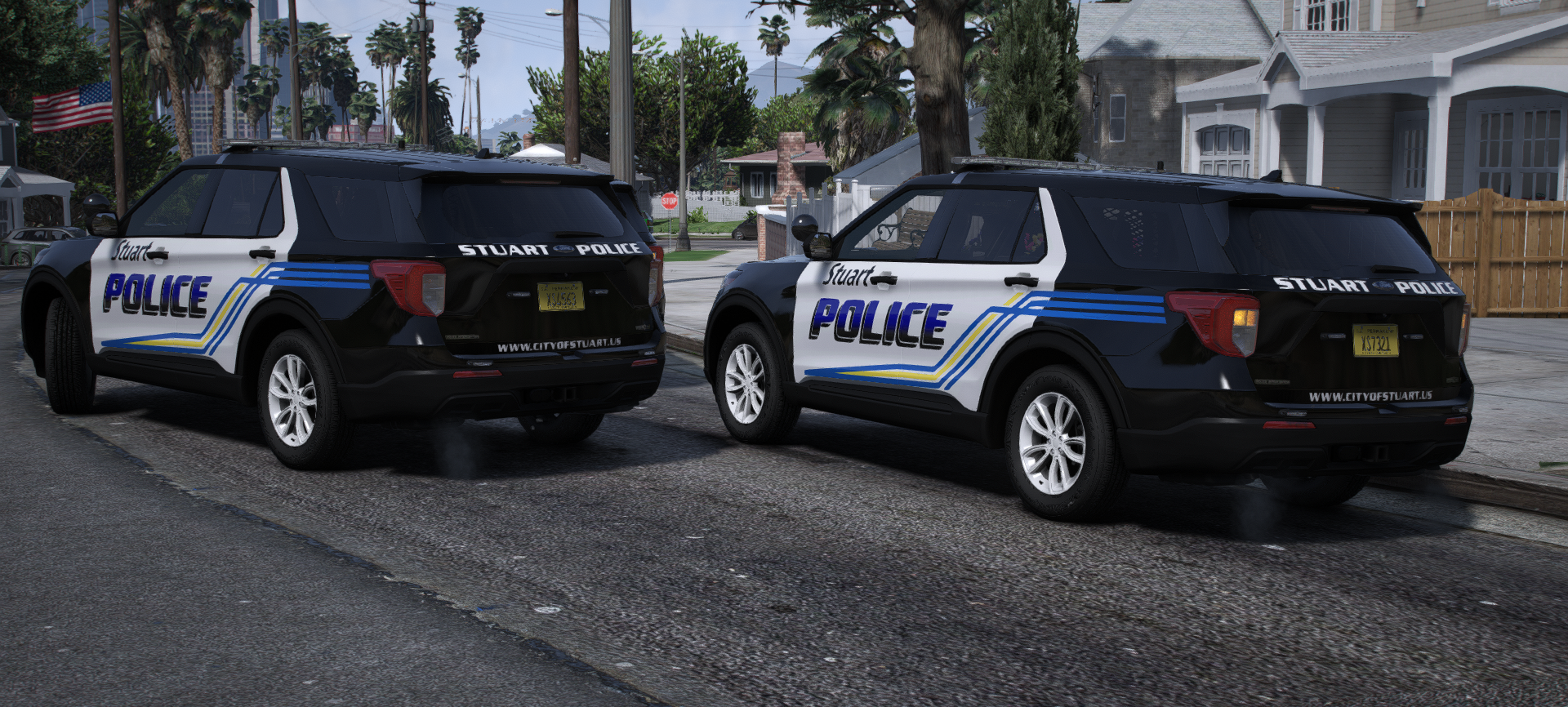
Hello! Welcome to my profile. As you can see, I primarily do Florida-based texture work in LSPDFR, as I grew up and spent my younger years in Brevard County, FL. I'm now active duty military, which explained my absence for a year or so; and it also means that this is just a recreational page for me. I'm not in it to "be big," or have tons of followers. I'll occasionally release stuff I'm satisfied with, but mostly post screenshots from my private works in game. 


I also manage "SouthernResponsePhotos" on Instagram, etc. Attached you can find a link to all of my photography over the years, which also serves as a reference for many of my works in-game! Thanks for visiting!


Don't hesitate to reach out via my socials, or message through the site!
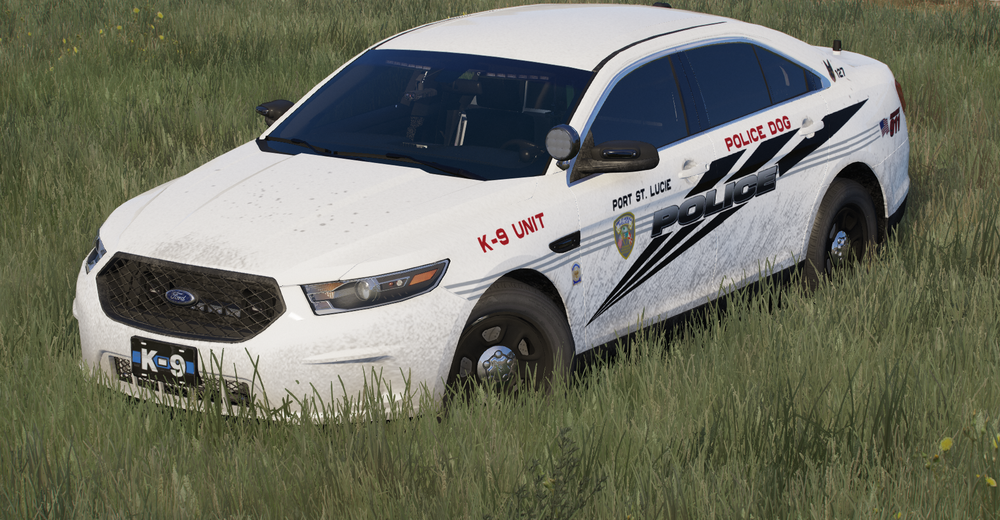


Could contain: vehicle, land vehicle, grass, wheel, outdoor, tire, transport, auto part, text, mid-size car, automotive design, full-size car, automotive light bulb, sedan, bumper, alloy wheel, car

Account

Navigation

Search

Search

Configure browser push notifications

Chrome (Android)
  1. Tap the lock icon next to the address bar.
  2. Tap Permissions → Notifications.
  3. Adjust your preference.
Chrome (Desktop)
  1. Click the padlock icon in the address bar.
  2. Select Site settings.
  3. Find Notifications and adjust your preference.