



Mullet Modz
Members
-
Joined
-
Last visited
Everything posted by Mullet Modz
-
Feel free to add me on discord. It's easier to show updates on the cars that way. My discord is ryleem383
-
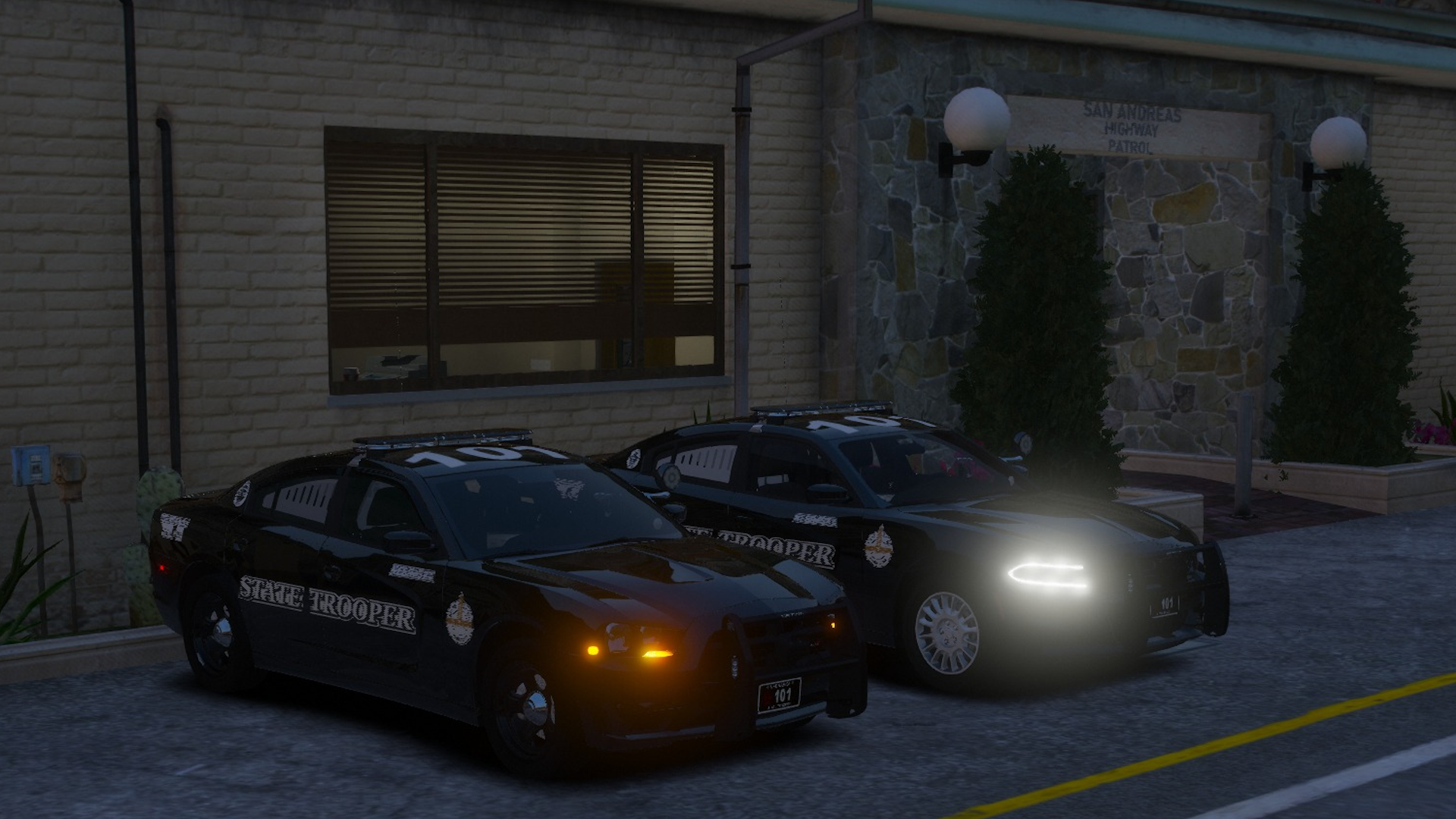
They are addon, I don't mess with replace anymore either. I also live in Nebraska so I'm particular with the outcome of them. I currently have 3 of the vehicles complete.
-
I have started on a pack again. I've greatly improved on them since my last attempt and I am planning on a full fleet based on their irl counterpart. (currently about 20-25 cars planned) I was able to get up close pics, and videos that showed to be useful in the development process as the interior setup is just as accurate as the exterior setup.
-
the only difference is when you want it to be "fivem ready" you have to archive fix the resident.rpf file. google archive fix, download it, then drag and drop the resident.rpf onto the archive fix .exe file, and it's fivem ready.
-
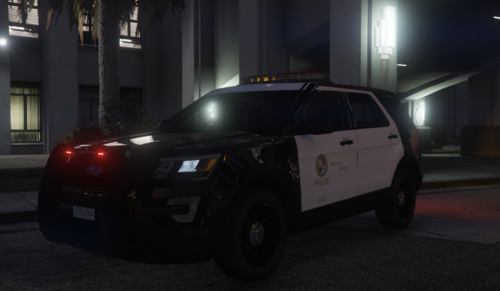 It's a great model for your first time. Keep up the great work, and have a great day.
- 22 comments
- 3 reviews
-
-
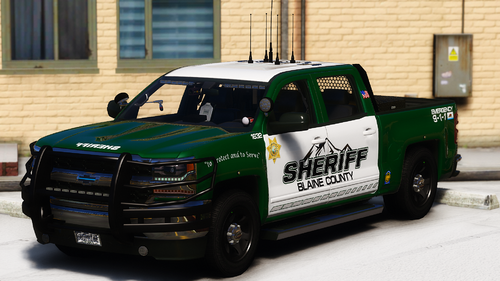 Could you do a Dodge Magnum? Also am I able to use these in FiveM (credits given of course)?
- 71 comments
- 17 reviews
-
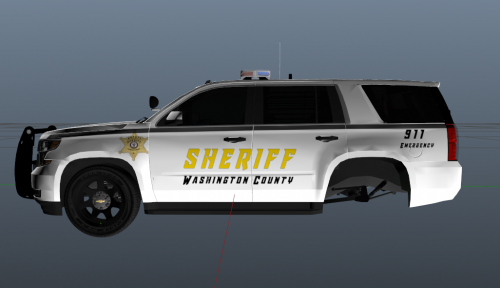 Looks like a nice skin. 2 questions though: 1. Why does it say "In 600 we trust"? 2. Why does one side have emergency 911, and the other has different text? Other than that, it looks like a nice skin (especially for your first). The only other things I would suggest (other than what is mentioned above) is to scale the badge down quite a bit on both sides.
 -
I can attempt to create these vehicles if they are still needed.
-
there's already an ELS pack with similar lightbars available. Here is the link:


