


AntonisUSA
Members
-
Joined
-
Last visited
Everything posted by AntonisUSA
-
 Can't wait for the ambulance escort of the officer shot that i recommended callout. Looking good!
- 1,007 comments
- 63 reviews
-
 i would love to included in my game but i think the file is to big and i will exceed 17mb
 -
left a comment here but it got lost. IDK if possible but i recommend a callout where an officer is shot and you have to escort him with ems to the hospital (including other police units). (small idea :P)
- 1,007 comments
- 63 reviews
-
-

- 1
-
-
Hello I really like the EMS escort call, i dont know if its possible to make an "officer down" call and have units escorting the officer to the hospital. Good package though Thank you
- 1,007 comments
- 63 reviews
-
-
- 2
-
-
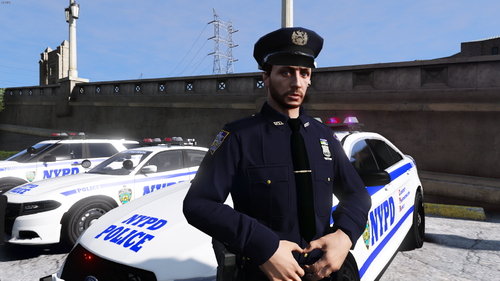 This is great, as an NYPD member I approve. Idk if you can add later on anti-crime as well! THanks for the pack
- 133 comments
- 7 reviews
-
-
- 2
-
-
no i edited them
-
no thats not the issue the issue is that i dont want the ambulance to play police sirens i want it to play custom sirens
-
nothing at all, everything is muted on the ambulance besides the engine and exterior features
-
yes doors els sounds and all work perfectly fine, just the siren is muted on the ambulance
-
AMBULANCE.xml
-
I've done so and followed the instructions but get muted sirens
-
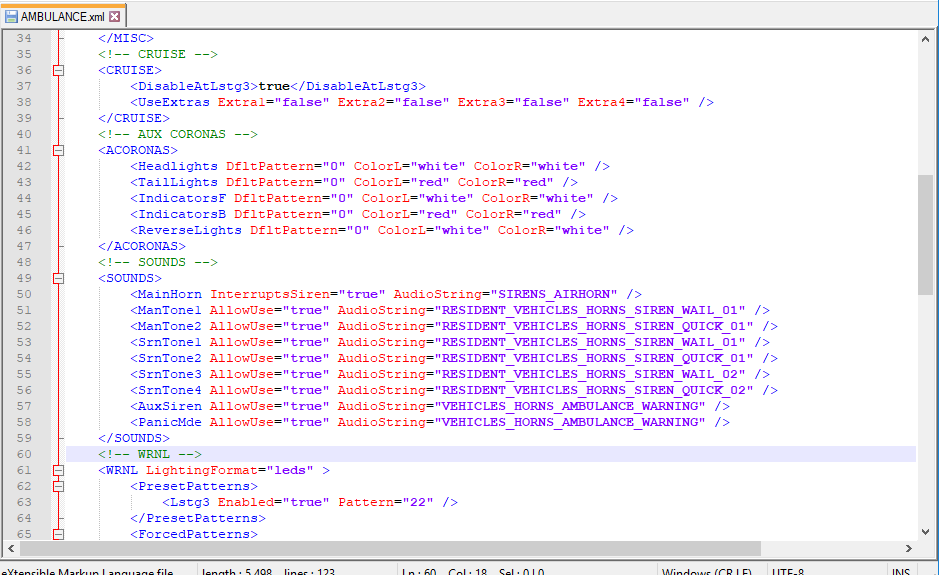
Hello im not sure if this is the right topic for my issue, but here I go. I was wondering if i can install els vehicles besides cop cars like ems and fire but have them playing different tones because all of them play the police sirens and its boring. I tried playing around with the strings but the sirens on the ambulance and fire were muted note: (vehicles file oac didn't exceed 15,7 mb). I currently don't even know if its possible for els vehicles to have that luxury, if someone can help i would appreciate it thank you 🙂
-
guys i have an issue i installed a clear copy of gtav and added the4.1 mods but i still crash when my screen is loading if RagePluginHook.logsomeone can help i would appreciate it thanks
-
damn that must be boring hearing the same siren over and over, and if you take the XML file the vehicles will look stupid, can you link me to that forum? thank you
-
yes i realized and thank you I went to sandy shores tested it and it worked, one more question because it's an els stevethegamer used the exact one and it responded with different sirens instead of police sirens, do you know how is that possible?
-
negative i was around vinewood hills i will try again though and let you know
-
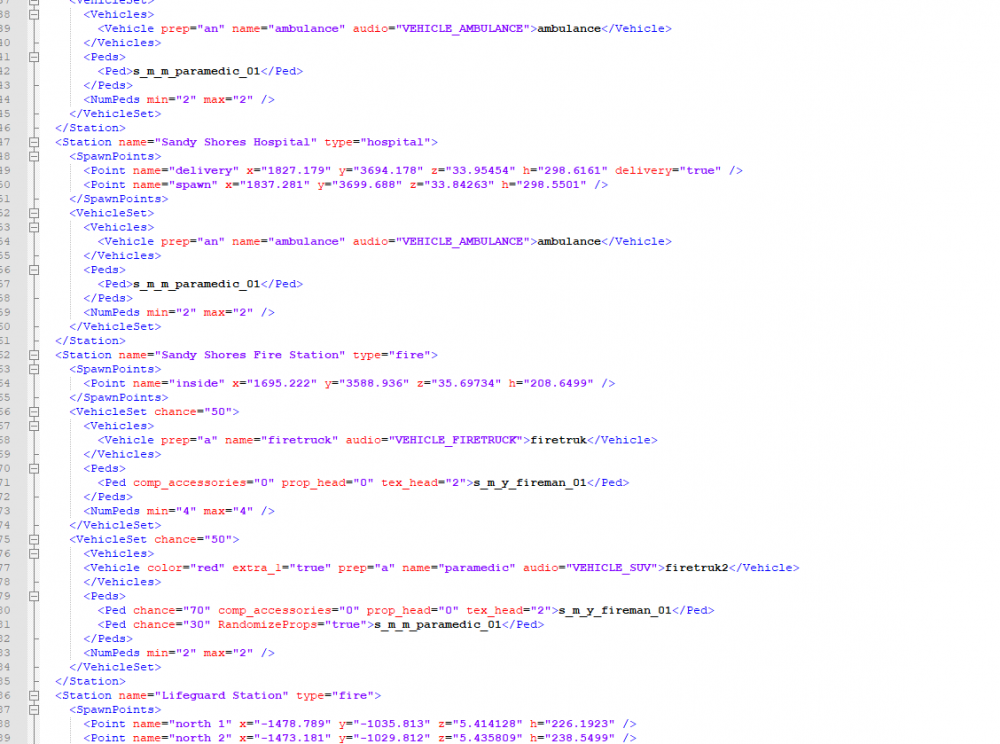
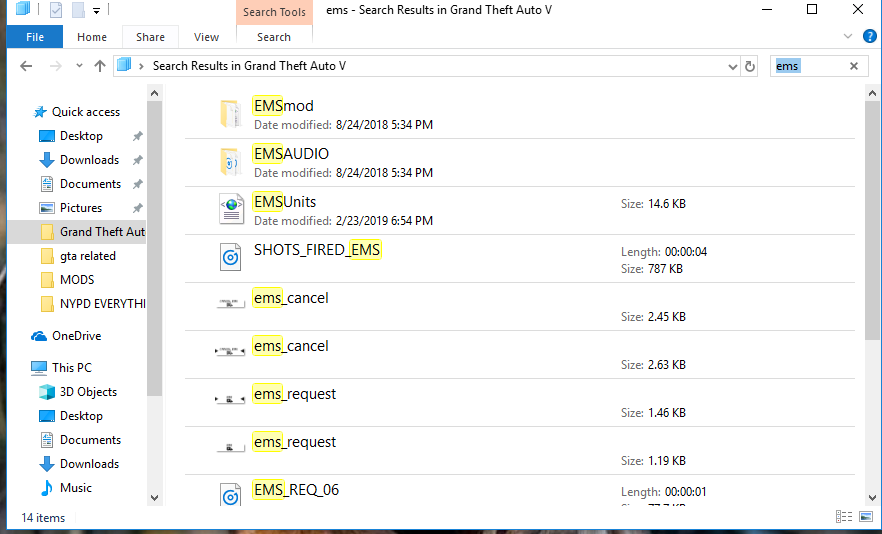
so I went to EMS Units and then I edited the probability of vehicle responding
-
yes I even spawned it in the game and it ran perfectly yes i followed everything, even spawned it in game.. followed albos instructions
-
hello guys so just today i installed a new firetruck in a slot firetruk2 i went to the ems xml and i changed the frequency of each vehicle that was responding (it was fbi2 30% and firetruk 70%) i removed fbi2 and put firetruk2 and also have the frequency 50-50 but when i called ems that "firetruk2" never came, if anyone can help it will be appreciated thank you
-
 Hello there I have an issue and I dont know whats causing it. Basically for the ford explorer and the pick ups when I use my lights they are not visible in the back they do display but the light bar doesn't show if anyone could help me I would appreciate it thank you, nice pack BTW
- 66 comments
- 26 reviews

