ChrimsonFlame14
Members
-
Joined
-
Last visited
Everything posted by ChrimsonFlame14
-
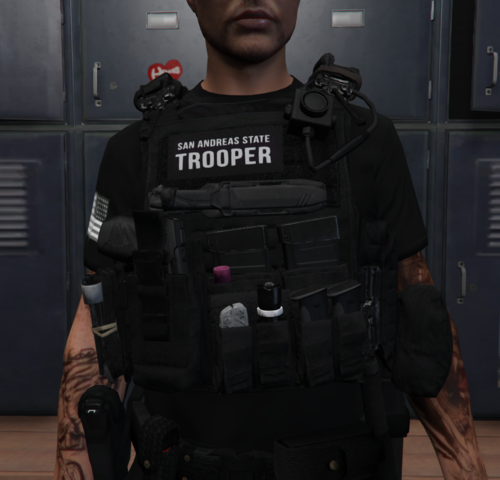 Hello I really love this pack, I can only seem to get a few of the vests to work. Where you have in the instructions to rename mp_m_freemode_01^task_diff_000.ydd to mp_m_freemode_01^task_diff_003.ydd I'm not finding either files any where. Where can I find them? Also do you have a discord?