


crowdani601
Members
-
Joined
Everything posted by crowdani601
-
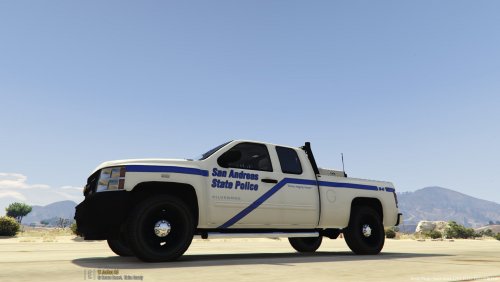
 Hi just wondering if the reverse lights flash can't seem to get them too? Other then that amazing model!
- 66 comments
- 1 review
-
 Mine is installed in police slot too and the sirens weren't functioning for me either I went into the ESL code and changed where it says main siren to true for all of them now I can access the siren by holding down the T or Y key but if I click one two three or four nothing works please help
- 9 comments
- 2 reviews

