Mk1ALH
Members
-
Joined
-
Last visited
-
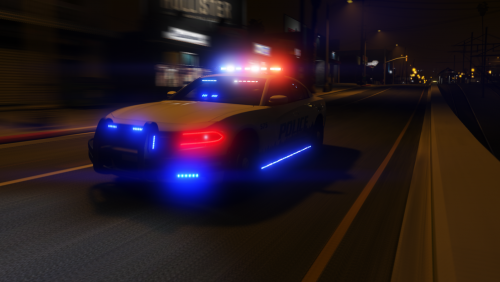 I love this model, using it as an unmarked currently because it doesn't match the skins for my other vehicles, I'd love to see the lightbar and antennas as options, since I am running this as an unmarked haveing a slicktop would look so much better! (hopefully added in a future update)
- 26 comments
- 6 reviews
-