


Loki.F8
Members
-
Joined
-
Last visited
Everything posted by Loki.F8
-
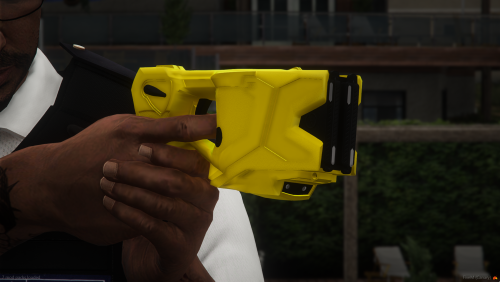 I use patchday8 for my weapons/tools with a couple of exceptions. Great release.
- 8 comments
- 2 reviews
-
 I like the rain, the humidity makes hot days uncomfortable sometimes. Great pack. Good work, thanks.
 -
= Thanks so much!
-
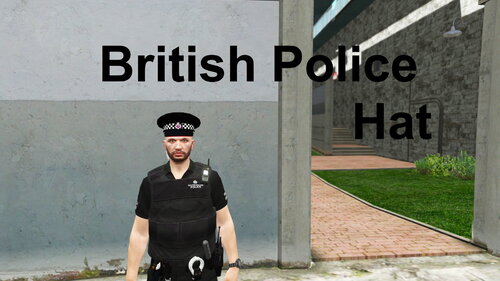 Amazing cap thanks!
 -
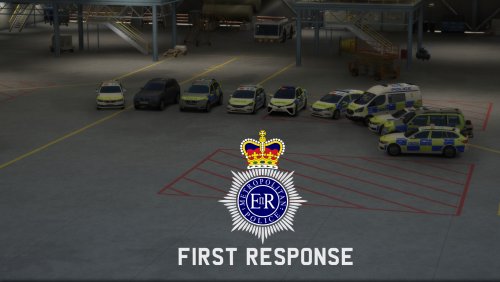 cool good release use to use it and was class at times of eup 8.1
 -
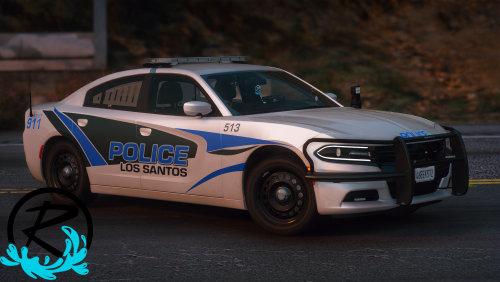 Would literally pay for a vehicle pack with this livery! Amazing work Ripple!
- 13 comments
- 11 reviews
-
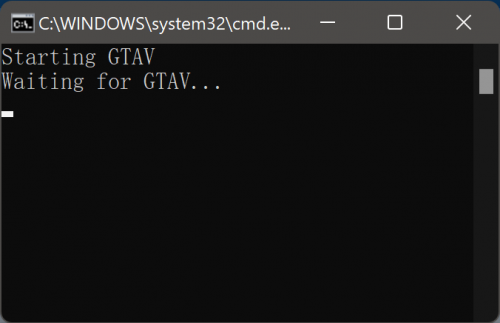 Just make the timeout bigger, this is my modified .bat which works perfectly @echo off echo Starting GTAV start steam://rungameid/271590 timeout /t 30 /nobreak start RAGEPluginHook.exe && echo Starting RAGEPluginHook... echo Finished! && timeout /t 3 /nobreak exit P.S. if you don't use steam then dont copy the "start steam://rungameid/271590". only change the time
 -
 Please keep adding detailed callouts as you work on it, a lot of callout packs are just quick shooters, detailed and tactical callouts are really fun! Keep it up!
 -
Great callouts that work well!


