
Papa Renny
-
Joined
-
Last visited
Everything posted by Papa Renny
-
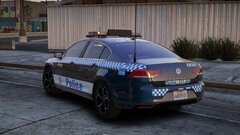
From the album: NSW Police V2
-
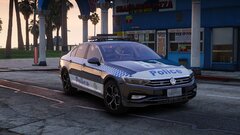
From the album: NSW Police V2
-
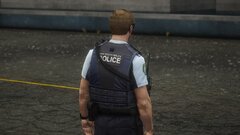
From the album: NSW Police V2
-
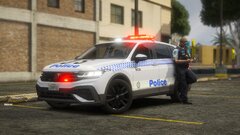
From the album: NSW Police V2
-
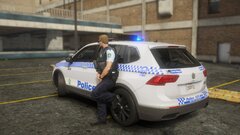
From the album: NSW Police V2
-
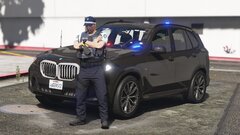
From the album: NSW Police V2
-
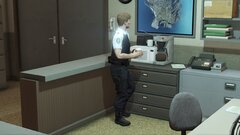
From the album: NSW Police V2
-
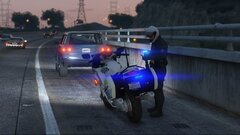
From the album: NSW Police V2
-
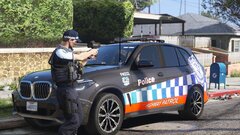
From the album: NSW Police V2
-
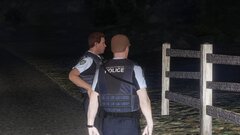
From the album: NSW Police V2
-
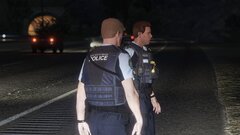
From the album: NSW Police V2
-
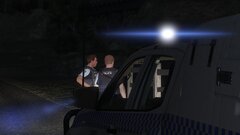
From the album: NSW Police V2
-
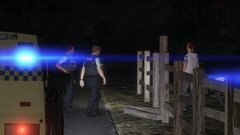
From the album: NSW Police V2
-
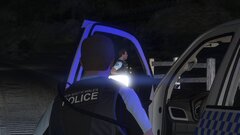
From the album: NSW Police V2
-

From the album: NSW Police V2
-
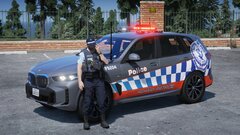
From the album: NSW Police V2
-
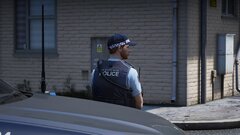
From the album: NSW Police V2
-
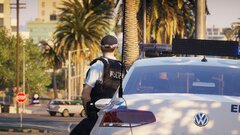
From the album: NSW Police V2
-
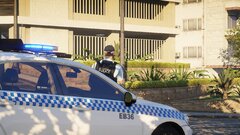
From the album: NSW Police V2
-
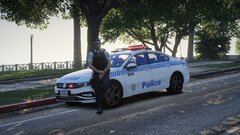
From the album: NSW Police V2
-
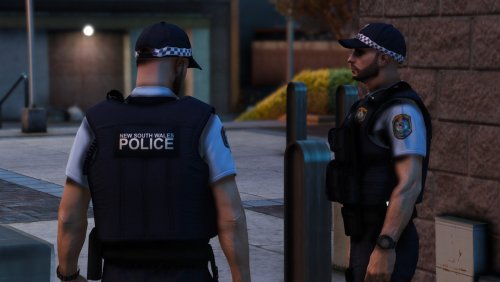 Currently in the works. Got a pretty much full working Policing Redefined config almost ready to go
 -
If you want AI backup in certain regions you can download EUP TO UB or EUP TO PR and then customise your own backup to whatever you want(depending on what mod you use). I was looking into making my own configs, but with those two mods it makes it so easy you can just do it yourself.
-
Currently in the works
-
Drag and drop the wardrobe.ini into plugins>eup and all of the uniforms will be pre-loaded.
-