
FrankV
Members
-
Joined
-
Last visited
Everything posted by FrankV
-
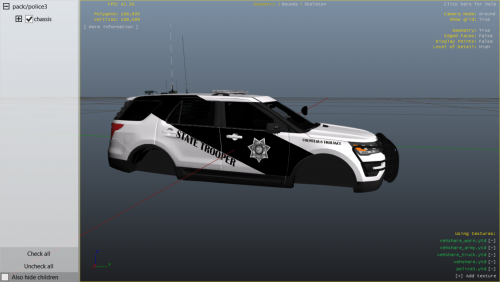 First skin in a while I have actually tried on, I think it looks pretty good and I know it works in game with most 2016 Explorers, I create and sell custom skins. I know there is a few small details I missed. Come on by my discord and say hi. - https://discord.gg/2VTcX7M
 -
 they're gone
 -
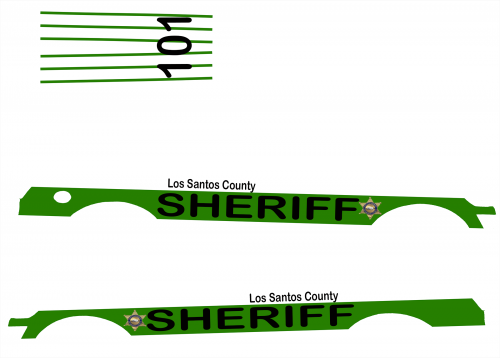
Not the best I have done but I thought I would release it to hear the communities opinions, please no negative comments, I do also make and sell skins and sell pre-made skins, I skin police and civilian vehicles for cheap, this Is just a simple skin so that's why im not selling it. I do textures that look a lot better then this, just was a lazy skin. I also installed the files this texture fits on, should fit most 2016 explorers but this one is the only on I tested it on. But come on by my discord and say hi. - https://discord.gg/2VTcX7M