


electonic
Members
-
Joined
-
Last visited
Everything posted by electonic
-
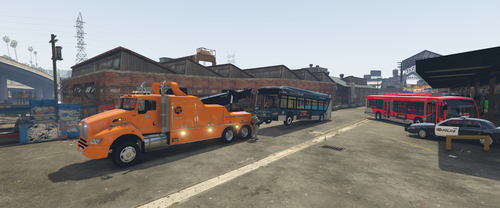 Very nice livery pack, I was desperately searching for better bus than the vanila ones, with lore friendly LST liveries, and it's exactly what I was searching for !
- 8 comments
- 1 review
-
-

- 1
-
-
It worked, thank you so much !
-
Hello ! EUP Menu crash every time I try to load it in the f4 console. I have the lastest RageNativeUI intalled (1.9, the one provided in the EUP package don't work either). I've tried many things that worked for other peoples but didn't work for me. I've attached my RPH logs if you can find anything. It's been a while that I'm trying to fix it so your help is welcomed, thank you in advance. RagePluginHook.log
