

Lafar
Members
-
Joined
-
Last visited
Everything posted by Lafar
-
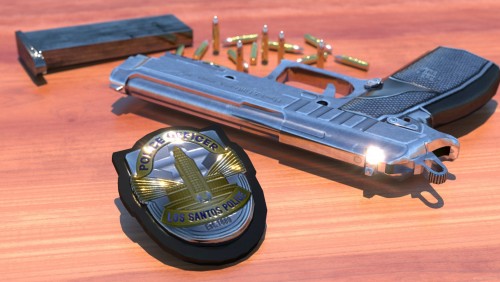 Thanks @Lamaline for the comment, it has helped me a lot. Everyone using EUP make sure to edit the "agency_eup.xml" instead of the default LSDPFR agency data. 👍👍
- 31 comments
- 2 reviews
-
-

- 3
-
-
Hello, I followed all the instructions but in my case it doesn't work, I keep taking the IAA badge ... I hope I can fix it. Anyway thanks for the contribution, this badge was very necessary. Have a great day 😛
- 31 comments
- 2 reviews
-
-
- 1
-
-
-
 Yees, I have simpletrainer, but how I assign a slot to this vehicle? thank you so much!!
- 253 comments
- 53 reviews
-
Hello guys, maybe this sounds a little silly but how do I spawn the vehicle? I followed exactly the installation path. Thanks!!!
- 253 comments
- 53 reviews