FGVN
Members
-
Joined
-
Last visited
Everything posted by FGVN
-
-
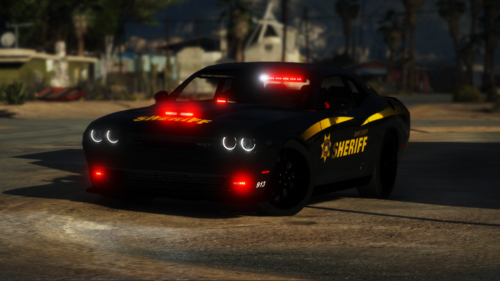
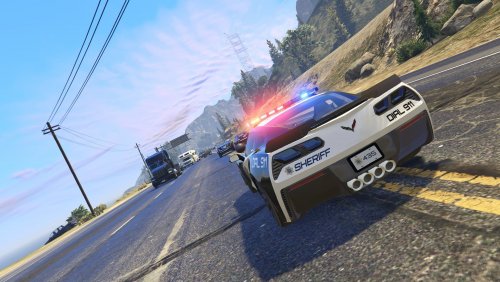 I really liked the way this mod worked but when i installed it on patchday18 like the instructions say they're not in game. When i go to openIV i can see the models and they have replaced the normal vehicles but they're still not there in normal game. What is wrong with it?
- 50 comments
- 15 reviews