
andy22296
Members
-
Joined
-
Last visited
Everything posted by andy22296
-
-
This bug happened again, this time it took over a fireman at fire station and this time i know it was assault event.
-
 Thanks that'd be great. Did I already told you you're awesome.
 -
Is it possible to implement something to stop events from happening when at traffic stop. I called a traffic stop backup (with Ultimate Backup) when an assault even started just across the road. when the backup arrived they automatically detected that and initiated pursuit, and because AI is stupid they ran into my cop car and run me over. they just shot and killed the suspect and went with their day as normal. It's not game braking issue but it's annoying.
-
No clue unfortunately. Had to shoot him before I found out.
-
I noticed a bug with Rich Ambient, it takes over cop peds. Once a cop started shooting at me and had a red question mark blip on a mini map. So could you make exception for police peds?
-
Thank you so much for going out of your way, asking Vincent to fix his 1 year old plugin and thank him for fixing his plugin.
-
Just tested it, it works, no crashes after i removed stop aiming at cops.
-
Is there a way to force an event so I can quickly test it?
-
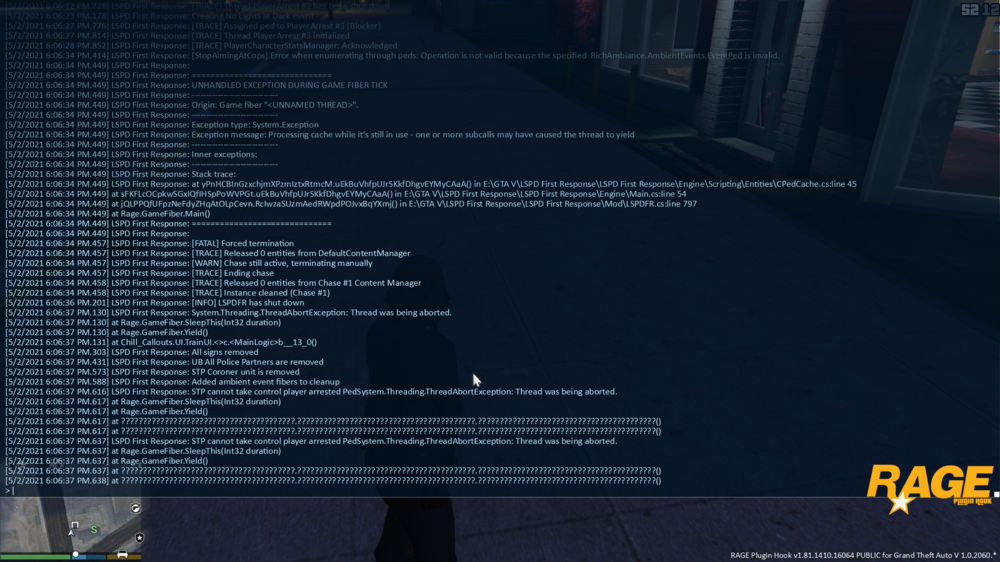
On Rich Ambiance Yes and Yes Every time I try to arrest a suspect pad lspdfr crashes.
-
crashes lspdfr when tried to arrest an assault suspect.
-
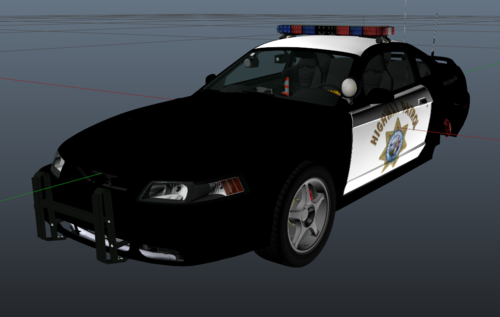 I've made a simple San Andreas Highway Patrol skin for the 2000 Ford Mustang from Jcookgrime's BCSO (No Longer Mini) Pack The model is called sheriff5, you can download it here [ELS][DLC] BCSO (No Longer Mini) Pack - Vehicle Models - LCPDFR.com Just install it into the sheriff5.ytd, if you don't know how, there loads of YouTube videos showing how. You may use it for whatever you want, just don't reupload and claim it as your own work. Have fun playing.
 -
-
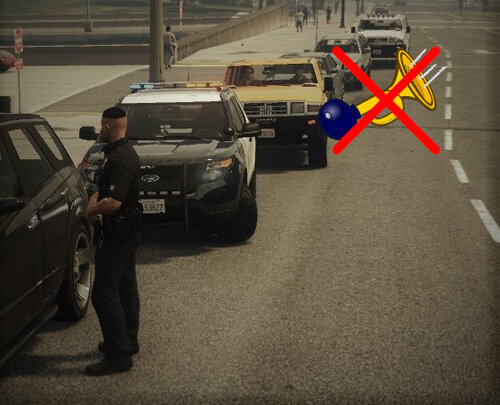 As soon as I started using this the game got more enjoyable. IT has some downsides but AI not honking all the time save a headache and makes it worth it.
- 6 comments
- 2 reviews
-
-

- 1
-
-
Tired of AI drivers honkin their horn and shouting for you to move. Ever went on killing spree because some idiot was blaring his horn because he got stuck behind your cruiser while you were on a traffic stop. Maybe you're sick of AI drivers honking when pulling up to traffic lights. These are simple files that mute the annoying AI horn. STOP WITH THE F**ING HORN is for you then. WARNING: It mutes almost all horns except of COP, METRO, BUS and EMPEROR horn. Also effects some car alarms. ________________________________________________________________________ HOW TO INSTALL: You have 2 options 1 if you are installing a new siren 2 if you want to stick with existing siren you have. ________________________________________________________________________ Option 1 Step 1: Download the siren you want. Step 2: Extract from a .zip/.rar vehicles folder and vehicles.oac file into an any folder on your Computer (can be desktop) Step 3: Open the vehicles folder and drop the .wav sound files from STOP_WITH_THE_F--ING_HORN.zip Step 4: CLICK ON EDIT MODE Step 5: Open OpenIV go to GTAV\mods\x64\audio\sfx\RESIDENT.rpf\ and right click anywhere (apart of the awc files) Step 6: Click on "Import openFormats" and find the vehicles.oac and click OK You're done go and enjoy honkless traffic. ________________________________________________________________________ Option 2 Step 1: Go to OpenIV to extract your existing sirens, go to GTAV\mods\x64\audio\sfx\RESIDENT. Step 2: Right click on the vehicles.awc and click on "Export openFormats" and select an any folder on your Computer (can be desktop) Step 3: Open the vehicles folder and drop the .wav sound files from STOP_WITH_THE_F--ING_HORN.zip Step 4: CLICK ON EDIT MODE Step 5: Open OpenIV go to GTAV\mods\x64\audio\sfx\RESIDENT.rpf\ and right click anywhere (apart of the awc files) Step 6: Click on "Import openFormats" and find the vehicles.oac and click OK You're done go and enjoy honkless traffic. Now you can't pull over for excessive use of horn.
- 6 comments
- 2 reviews
-
-

-
- 4
-
-
-
-
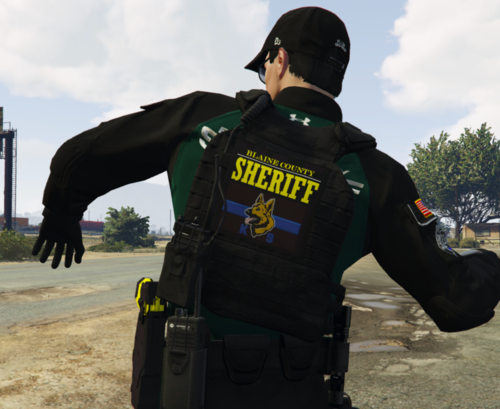 is it eup 8.1 or 8.2?
 -
 A little extra to me idea, to have different animations for each department for example lspd handheld and sahp shoulder etc. cuz i'm sick of the stock animation, lef hand on left shoulder.
- 401 comments
- 24 reviews
-
-
- 2
-
-
-
-
 Super, przydalby sie jeszcze strazak
 -
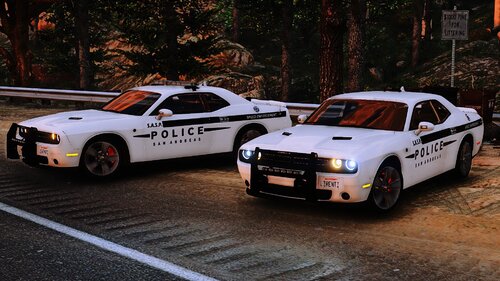 For some reason there are no headlights on the Mustang. Didn't notice earlier because I used it during the day.
- 35 comments
- 3 reviews
-
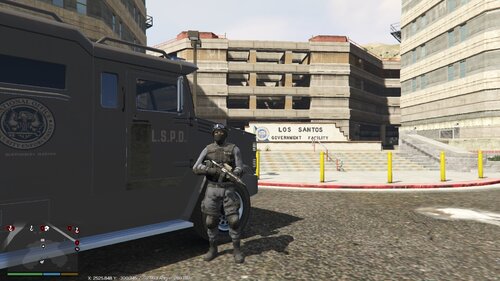 What to do to stop ambulances and fire trucks to join pursuits, the whip tasers out and act as cops.
- 3 comments
- 2 reviews
-

.thumb.png.3167b9dde6155c89e0b74f98bcb72080.png)