


LSPDFR Officer Rodriguez
Members
-
Joined
-
Last visited
Everything posted by LSPDFR Officer Rodriguez
-
-

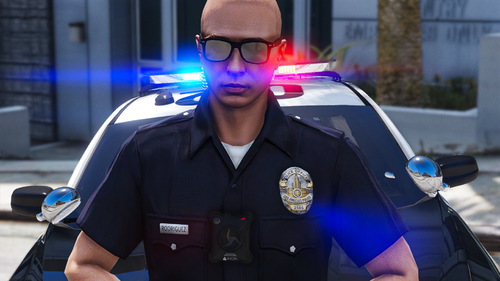
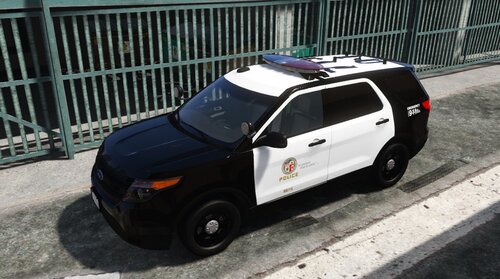
From the album: LAPD
-

-
 THIS PACK IS NOT BEING WORKED ON ANYMORE................ EUP 9.7 IS CURRENTLY BEING WORKED ON STAY TUNNED!
- 132 comments
- 7 reviews
-
Thank you. But unfortunately you should've made a back up so you can revert back to the original files. The only way to go back is to uninstall/delete EUP and reinstall it again.
- 132 comments
- 7 reviews
-


-

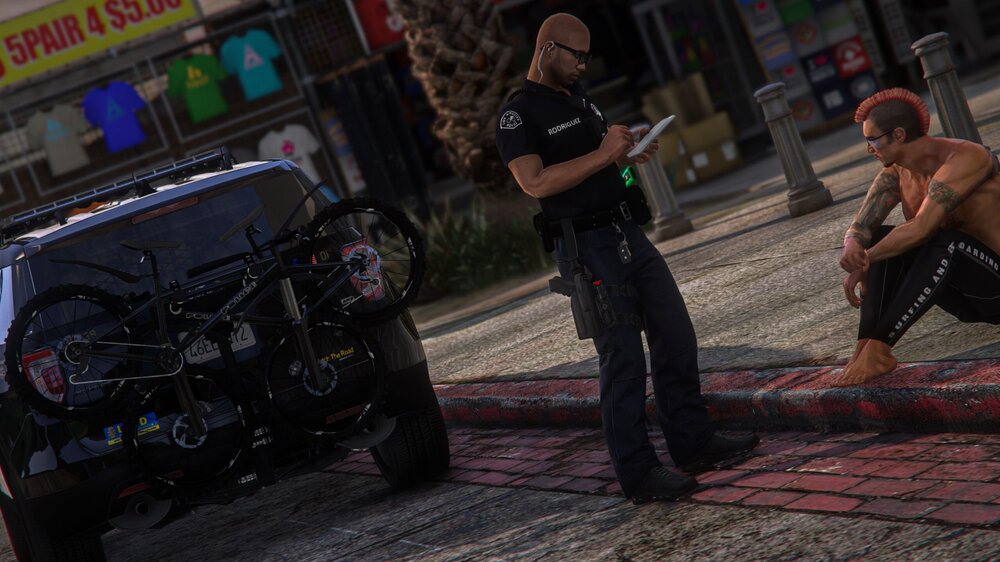
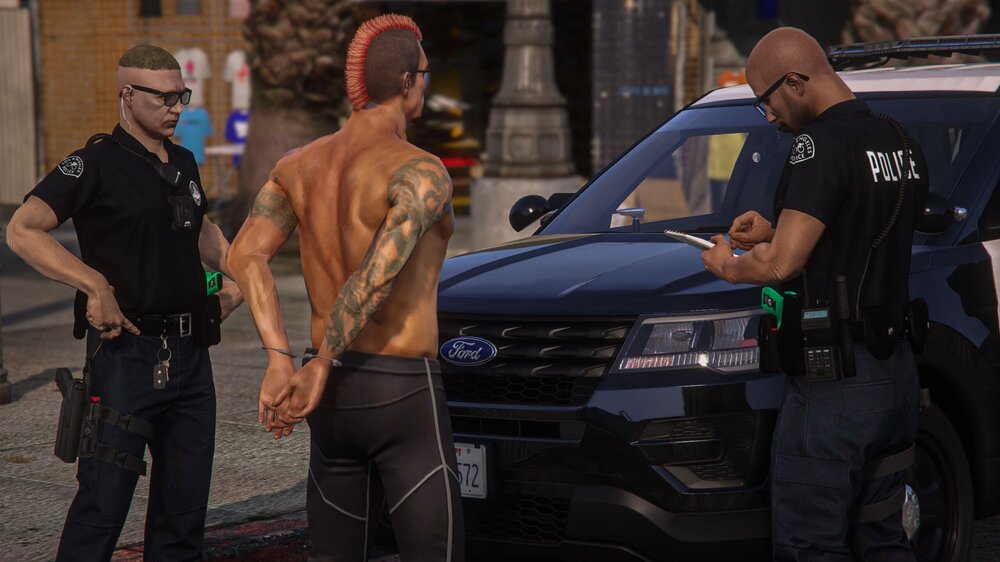
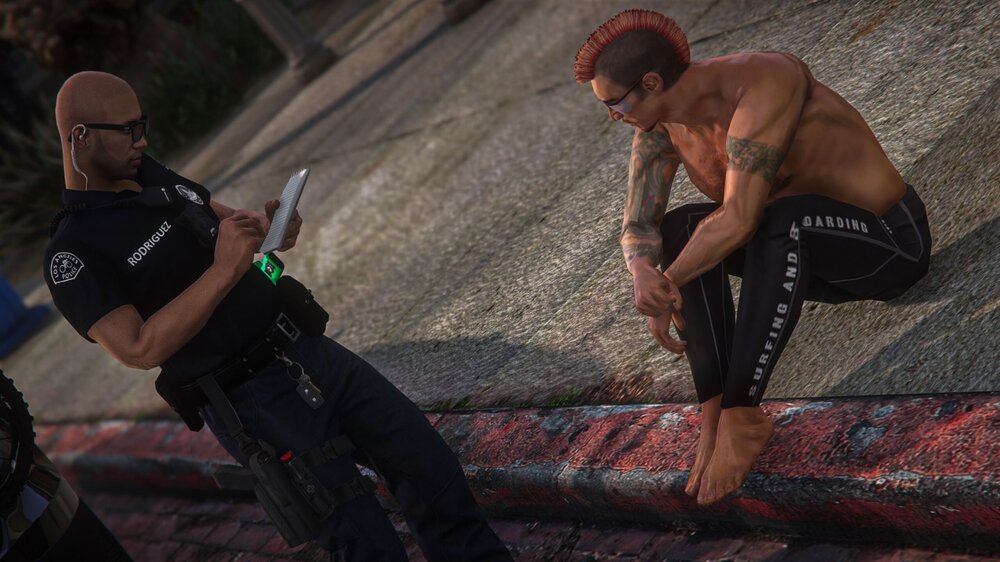
-
 Very Nice, finally an ELS version. Thank you!
 -
Whats up man, Thanks for the input nice video by the way, but unfortunatly that is not the shape of the shields for the LAPD, The LAPD has Oval shields, the shields in your video are oval from the top but start coming in towards the bottom giving them a pointy look which is incorrect
- 132 comments
- 7 reviews
Im actually planning on finishing it tonight Im sure it does, but Im working on the 8.3 version- 132 comments
- 7 reviews
-
-

- 1
-
 Beautiful Pack, did a little cinematic video with them, really digging them! Used one of your screenshots for the Thumbnail gave credit for everything tho
- 50 comments
- 13 reviews
-
-

- 2
-










Account
Navigation
Search
Configure browser push notifications
Chrome (Android)
- Tap the lock icon next to the address bar.
- Tap Permissions → Notifications.
- Adjust your preference.
Chrome (Desktop)
- Click the padlock icon in the address bar.
- Select Site settings.
- Find Notifications and adjust your preference.
Safari (iOS 16.4+)
- Ensure the site is installed via Add to Home Screen.
- Open Settings App → Notifications.
- Find your app name and adjust your preference.
Safari (macOS)
- Go to Safari → Preferences.
- Click the Websites tab.
- Select Notifications in the sidebar.
- Find this website and adjust your preference.
Edge (Android)
- Tap the lock icon next to the address bar.
- Tap Permissions.
- Find Notifications and adjust your preference.
Edge (Desktop)
- Click the padlock icon in the address bar.
- Click Permissions for this site.
- Find Notifications and adjust your preference.
Firefox (Android)
- Go to Settings → Site permissions.
- Tap Notifications.
- Find this site in the list and adjust your preference.
Firefox (Desktop)
- Open Firefox Settings.
- Search for Notifications.
- Find this site in the list and adjust your preference.