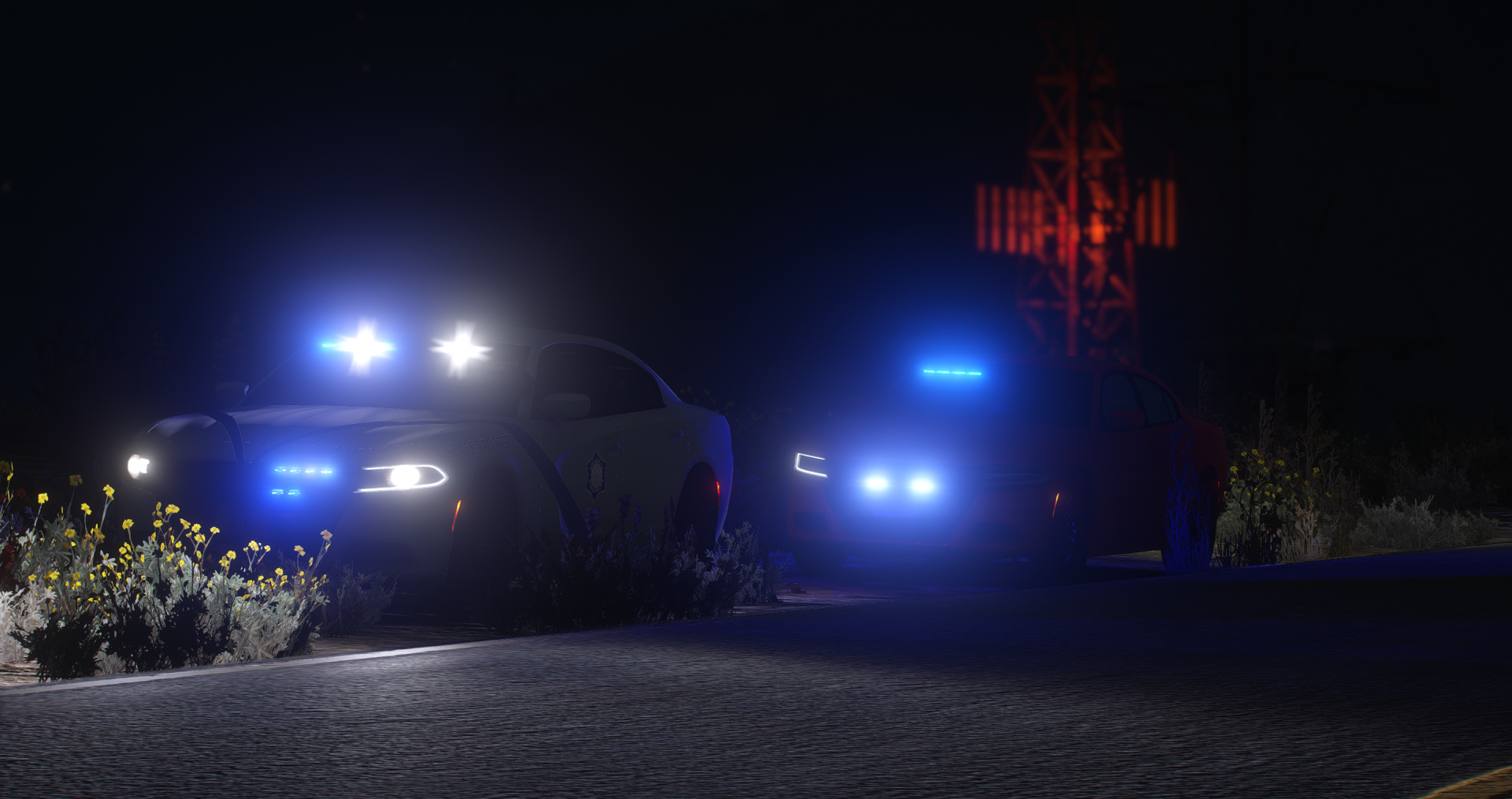
Hi, my name is Sons. I have been around the Grand Theft Auto series all my life. Starting out on GTA IV, I quickly gained an interest for LCPDFR. By the time I was able to obtain a system eligible to run such a program, it was time for the new age of "FiveM' to take the scene. That has been where I've spent most of my time since.
Only recently have I had an interest in composing mods for this platform. I have dabbled in texture making before but nothing really came of it. Until now, I never even thought about making a siren or audio modification. This brings me to now, where I have released my first ever siren that I made from scratch. I hope to release more in the future, and bring other people of both FiveM and LSPDFR enjoyment by providing the handcrafted, quality, and detailed work of mine. Thanks for stopping by!
Vehicles displayed in cover photo are credited to Vert for his amazing Arkansas State Police pack. EUP was obtained from here, not sure who specifically from though.