


TrueMyth
Members
-
Joined
-
Last visited
Everything posted by TrueMyth
-
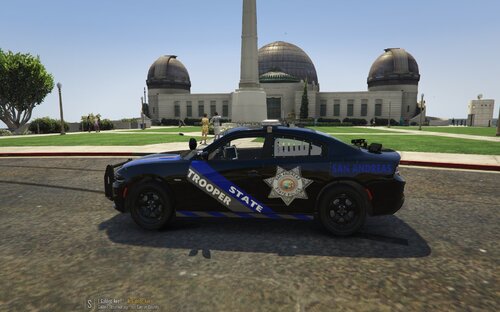 Thank ya'll! I agree with the Badge Placement being janky.. I went back and forth with a 1000 different placements... I made a new sketch up of the charger with the lines thinner, the text better, and the colors less awkward.. I also replaced the badge in a hopefully better place
 -
This is my first ever published texture for LSPDFR This texture is not based on anything but is Lore-Friendly I will be doing this current pack based off of TickleMyElmos Vehicle Pack: I want to keep making Textures to learn and grow and would love some feedback! I also would love to take any suggests based on real life!
-
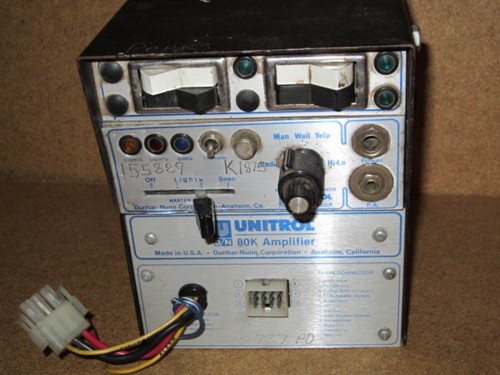 How does one install this and put it in the correct files?
 -
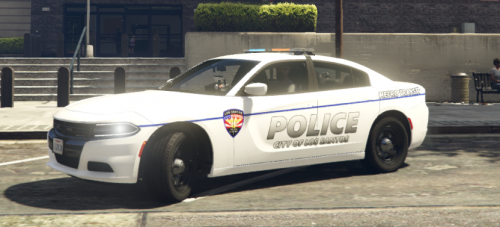 As an O'Fallon resident, this skin is fantastic! I cannot wait for the release of your mentioned Highway Patrol, and St Charles County skins!

