


Kingtutuk
Members
-
Joined
-
Last visited
Everything posted by Kingtutuk
-
Thanks for that, Found one on LSPDFR and will give it a go.
-
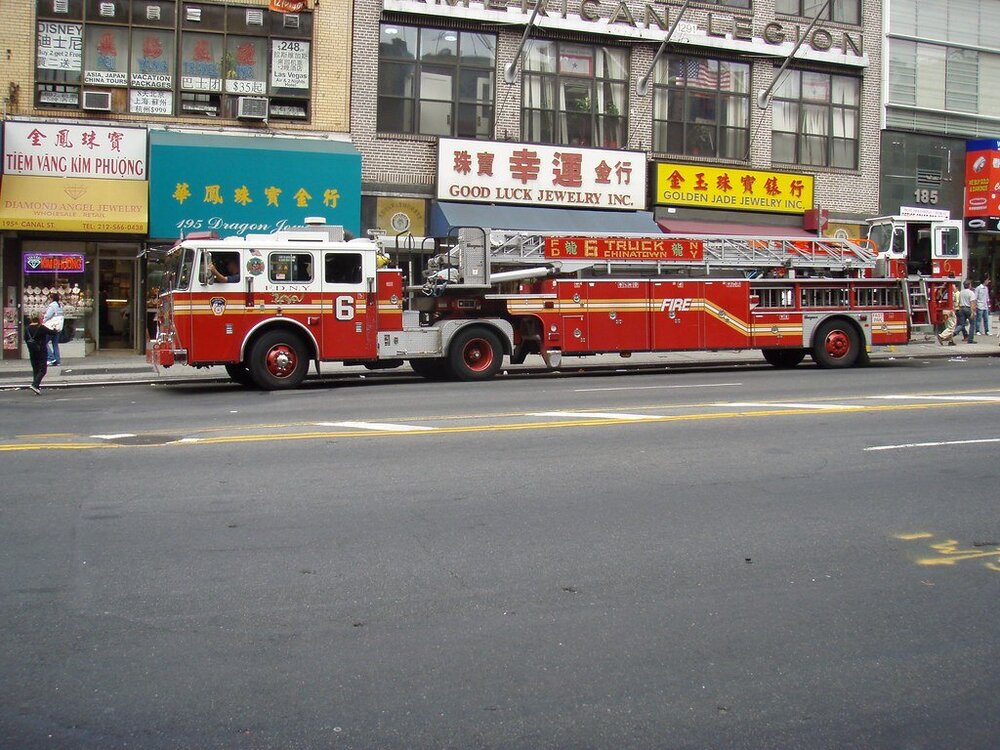
Has anybody made an Articulated Fire Truck? (see Picture)
-
Vocal Dispatch will not let me "request plate check" or some of the other commands, I have uninstalled, re-installed Vocal Dispatch also uninstalled, re-installed Albo's Traffic Policer, Arrest Manager, Police Smart Radio. It just will not work properly and I do not know whats wrong, I have tried editing the .ini's and .xml's in the above mentioned mods but to no avail. I am now at a loss as to what to do. When I ask it replies "We're not able to honor that at the moment" Here is a couple of lines from the RPH Log: [3/10/2020 10:16:38 AM.425] LSPD First Response: VocalDispatch: An event handler for "PoliceSmartRadio.PlateCheck" was registered via the API by "PoliceSmartRadio". 3/10/2020 10:17:04 AM.617] LSPD First Response: VocalDispatch: No event handler was found for "StopThePed.PlateCheck" Can someone please help?
-
Just notifying the community of the updates and after I took a screenshot I thought I would add it to the post instead of creating another post
-
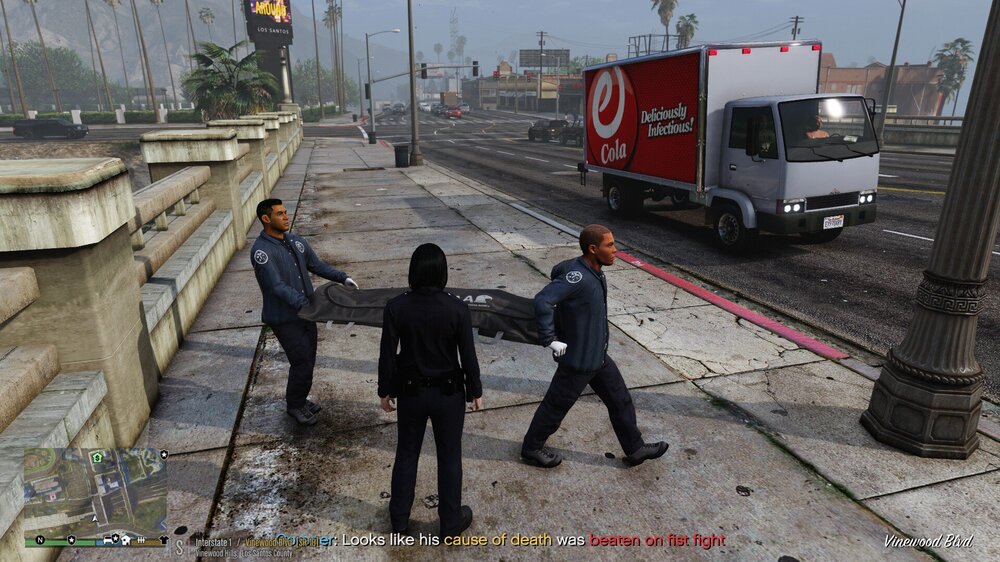
New Stop the Ped, Ultimate Backup, Speed Radar Lite available https://bejoijo256.wixsite.com/bejoijo. His animation for Coroners is excellent
-
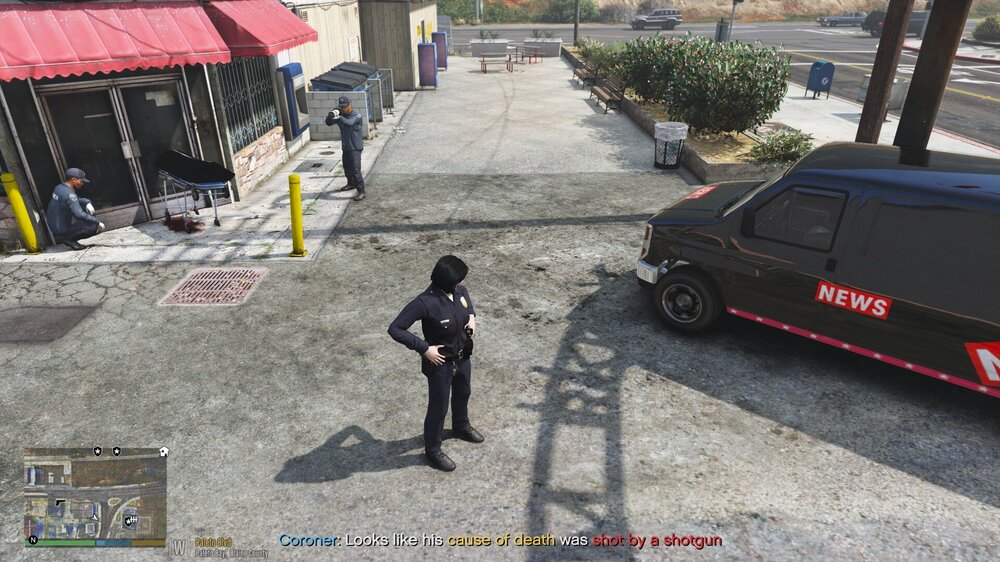
Coroners seem to have a sideline going, 🤣
-
If you want to remove your extras from your GTA V main folder here is a screenshot of a "clean" Folder.

-
I get a "Game exited unexpectedly..." error everytime, when closing GTA V/LSPDFR, is this normal behavior now? I have no problems when loading and playing
-
ForceACallout by HazyTube, lets you configure whether "Available for calls (Yes/No)" is visible or not. HazyTube's downloads page
-
I took the vehshare.rpf and copied the license plates into a seperate folder and proceeded to blank them out by painting them Yellow for the rear and White for the front, but, when I went back into the game the rear plates were ok and the front plates were yellow as well at a distance but a sort of silvery shimmering colour when viewed close up. I just used windows paint3d to do this. The image file type and size are the same as the originals. If paint3d is not the way to do it, could someone point me in the right direction? Thanks in Advance, I originally used #koksu1234567890 "Real License Plates" Mod, from GTA5-Mods.com, and still use the randomizer that is with this mod to randomize the license plates. It is .asi loaded and configurable in the .ini
-
Is it planned for a future update to be able to select a default police station to start at? I find myself prefering to do city patrols rather than county or ranger.
-
I made a short video, not very good as its my first attempt. But shows that LSPDFR does work in VR. https://www.youtube.com/watch?v=pGJCyd_BuiE
-
Anyone else using VR? Looks pretty cool, I must say. Did not have to strip out any plugins. Followed the quick setup guide on https://github.com/LukeRoss00/gta5-real-mod To download the mod go to the link and click on GTAV_REAL_mod_by_LukeRoss_r4.rar, in step 3 of the quick setup guide unpack and Copy and paste the files into the main GTA folder. If you use steam version then follow the instructions given in the quick setup guide. I suggest before copying and pasting, making copies of the files it will overwrite: commandline, dInput8.dll, ScriptHookV and ScriptHookV.dll. If you wish to revert to non vr then just remove the files the vr plugin put in your GTA main folder, put back the backups (shown in bold above), start the game (it will show as a cropped window) and goto settings, camera and restore defaults, then goto graphics and change to fullscreen and apply, this should enable you to play as you did before the vr. Video here showing gameplay in standard GTAV but also shows installation:
-
Thankyou. Much appreciated
-
What did you do?
-
Never had a tank.
-
Hi, Has anyone had an event occur only once? (that they remember) Been playing about 15 months and just recently remembered something that happened in game. My experience of this was during one of my first ventures into LSPDFR and I was finding my way around some wooded area on a motorbike, and came across two peds who were digging a shallow grave to bury a body!!!!! That could become a Fed Callout. When I got off the bike to approach them I was shot and wasted. Never seen that again.
-
 In this version for your information you have a spelling mistake in Citations, the heading of "Written Warning (Documents)" reads (Ducuments) 🙂 Could you add a written warning and small fine for Drug Paraphernalia, as an arrest for carrying just a "Burnt Meth Pipe" and nothing else seems a bit harsh even for a game. This would give the police officer the option of arrest or warning. Keep up the good work.
- 198 comments
- 21 reviews
-
Thanks, I will be trying them soon.
-
Could someone recommend a police vehicle pack and sheriff vehicle pack that do not specify a county. ELS compatible. Not looking for individual vehicles. There is such a lot to choose from it gets overwhelming. Thanks in advance
-
-
Question? Does anyone have North Yankton installed and playing in it? If North Yankton installed can you get to it from Los Santos?
-
Thanks I will try that. That worked 🙂, another note to add for things to check when game fails.
-
I have downloaded and installed: LSPDFR 0.4.4 setup.exe Ragehook 1 69 1254 16006 Scripthook V (dated today) Do we still have to launch GTA V Launcher first? This is what I am doing: I start steam, click launch GTA V, when legal info shows I start Ragehook...... it then goes to a small Rockstar window with "try again" I start steam, click Ragehook...... it then goes to a small Rockstar window with "try again" I start steam, click launch GTA V, then click Ragehook straight away...... it then goes to a small Rockstar window with "try again" I start the Rockstar Launcher, click steam version in Launcher, when legal info shows I start Ragehook...... it then goes to a small Rockstar window with "try again" I start the Rockstar Launcher, click steam version in Launcher, click Ragehook...... it then goes to a small Rockstar window with "try again" I start the Rockstar Launcher, click steam version in Launcher, then click Ragehook straight away...... it then goes to a small Rockstar window with "try again" Only LSPDFR listed to start with Ragehook, all other options in the three other tabs are blank. Nothing shows in Logs that I can see. Gets to "checking game support" and stops there. It also says "DisableCustomLoadingScreen-Disable CustomLoadingScreen is specified twice, please remove one" but as I have mentioned nothing else except LSPDFR is ticked. RagePluginHook_24092019_192631.log
-




