


Shawil18
Members
-
Joined
-
Last visited
Everything posted by Shawil18
-
UPDATE: I just completely reinstalled the latest LSPDFR version along with RPH and for some reason its working as normal again now
-
hi, thanks for the reply story mode loaded fine but as soon as I launched rage it crashed instantly i have reinstalled rockstar games launcher Im not good at knowing all the stuff that runs in the background but it looks like to me that rage is identifying this as a steam version? RagePluginHook.log
-
Hi guys, since the latest update, i have updated LSPDFR,ScripthookV and rage within the new LSPDFR update. since then Rage is trying to launch gta v through steam but I have neve owned Gta v on steam its always been through Rockstar games launcher and then i get an error message in rockstar games launcher saying “an error has occured starting the steam helper process (code: 130) can someone help me please?
-
hi, thanks for the suggestions after posting the forum post i did try that but had no luck called rockstar games who went through a troubelshooting with me and unfortunately I had to reinstall and do a fresh install. luckily i kept the mod files so didnt have to replace everything one by one again thanks again
-
Hello, hoping someone can help me please. my rockstar games launcher updated and since then it cannot detect my GTA v launcher and when I have tried to run ragepluginhook that still doesnt work, I have followed the step by step guides on youtube but no luck, my files are showing how they always have but the launcher just wont detect them. please can someone help me? thank you
-
-
.png.a12805dc5e96eba402d76f4a37c31c50.png) Amazing looking forward to it mate!
Amazing looking forward to it mate! -
Looks amazing! Is this avaible to download yet?
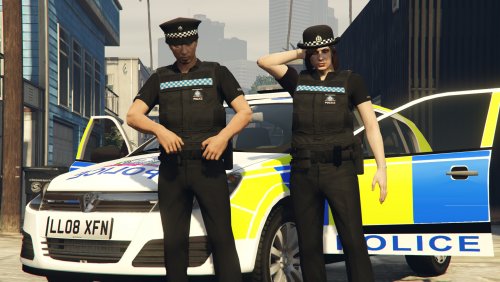
.png.a12805dc5e96eba402d76f4a37c31c50.png)