Xen Bluuu
Members
-
Joined
-
Last visited
Everything posted by Xen Bluuu
-
I know this was from last year but this can help other people. If you use Fivem and Lspdfr a lot then switching back and forth from one another replaces the sounds. Because Fivem has to download the stuff from your x64 folder and when you go back to lspdfr it was replaced with the default sounds. I do not know a fix but this is just an explanation on why its doing what it is doing.
-
 I'm sure someone has put it in the tutorial or pages on here. But thank you for the consideration. I can't wait to have this in my game. It looks sick
- 266 comments
- 15 reviews
-
-

- 1
-
-
-
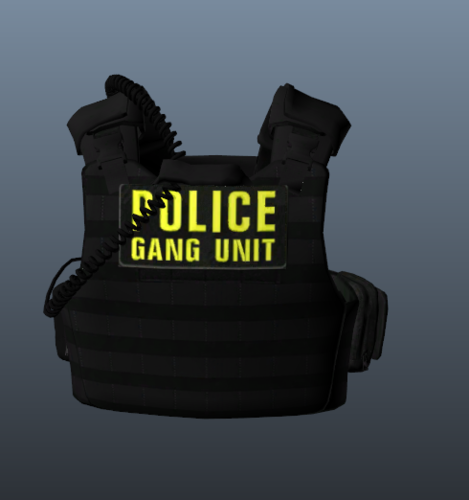 Hey bro, Im sure you probably figured out why its a png, but just incase you havent. The reason the file is a png is because your supposed to replace the texture with the png in openiv