michaelsone92
Members
-
Joined
-
Last visited
Everything posted by michaelsone92
-
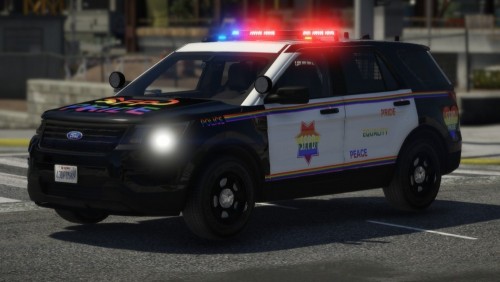 Nice little texture, I attended SF pride and it was cool to see an effort to have it made in game. Keep it up! 😀
- 1 comment
- 1 review
-
Search in the Cortana bar, "Speech Recognition" and then go to "Train your computer to better understand you". Also make sure your mic input is correct.
-
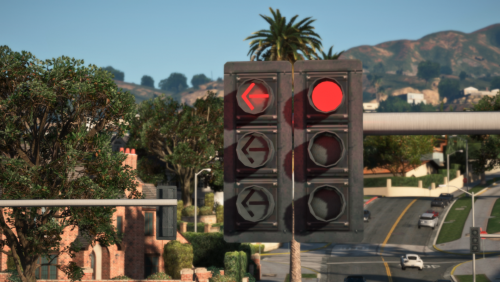 When I tested NaturalVision R. was installed, yes. And yes I did edit the DLC list correctly.
- 53 comments
- 11 reviews
-
-
 nice
nice -
-
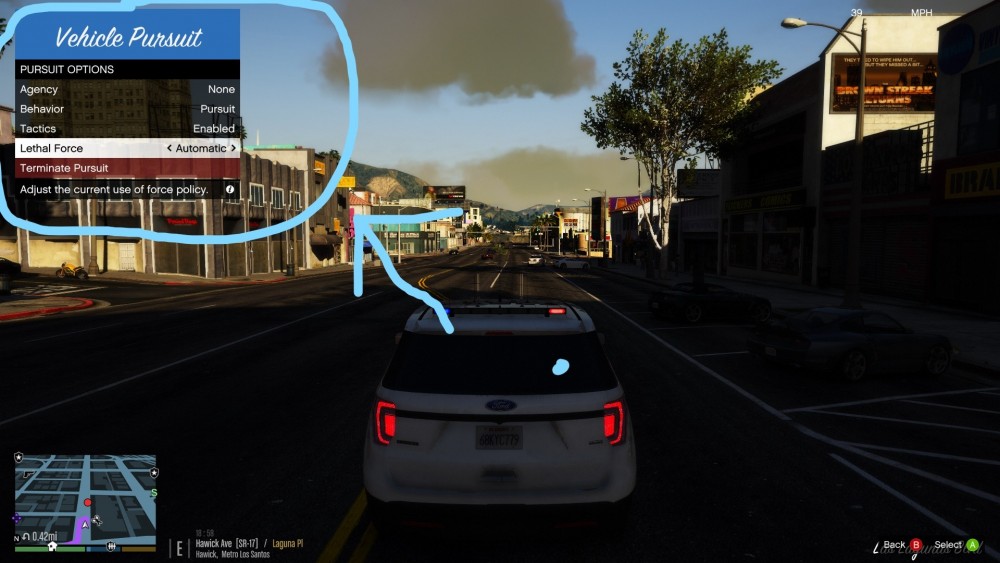
Edit: Actually this is stock. Not sure how I didn't notice that. No help needed.