Skip to content
View in the app

A better way to browse. Learn more.

LCPDFR.com

A full-screen app on your home screen with push notifications, badges and more.

To install this app on iOS and iPadOS
  1. Tap the Share icon in Safari
  2. Scroll the menu and tap Add to Home Screen.
  3. Tap Add in the top-right corner.
To install this app on Android
  1. Tap the 3-dot menu (⋮) in the top-right corner of the browser.
  2. Tap Add to Home screen or Install app.
  3. Confirm by tapping Install.

th3m4disl

Members
  • Joined

  • Last visited

Everything posted by th3m4disl

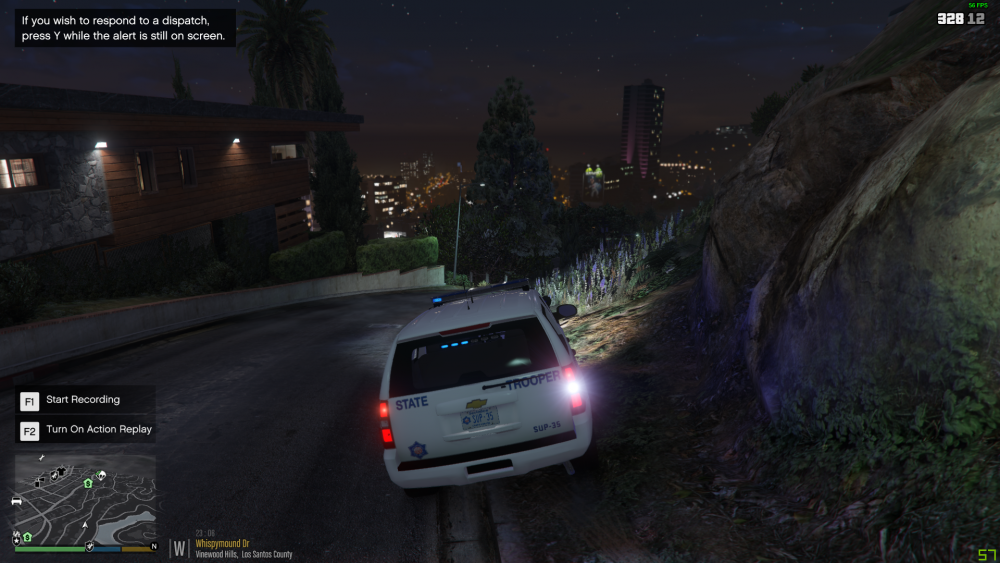
  1. White LED lights are very bright but on the roof and light inside the car are dimm.
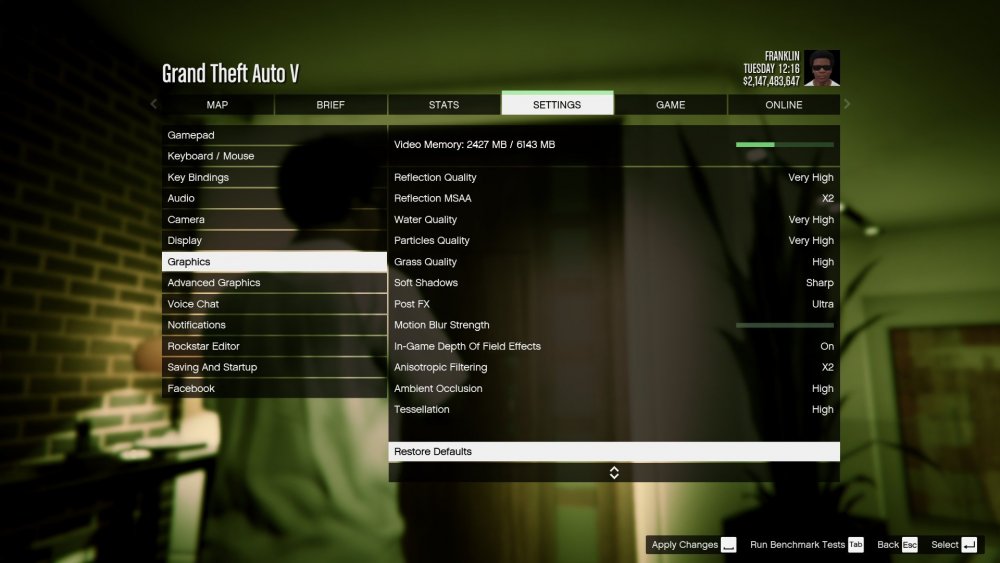
  2. As i said i have tried the visual settings and the only things that change are headlights and brakelights. Also everything is on Ultra.
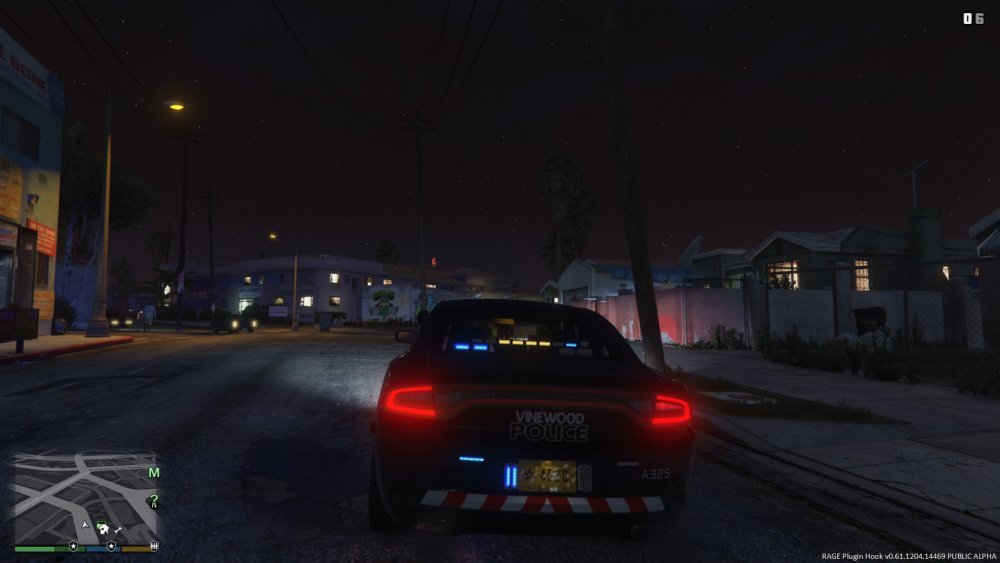
  3. Hi. My lights in lspdfr are dimm. My game settings are on Ultra. I have tried installing Radience V, Better Visuals and changing the settings myself. I have also tried reinstalling OpenIV asi loader and the other thing. I have changed my cars but still the lights are dimm (No window tint). My lights are just the same as in the picture. (This is not my picture, i got it from Forums) (All the cars support ELS and are installed correctly)
Account

Navigation

Search

Search

Configure browser push notifications

Chrome (Android)
  1. Tap the lock icon next to the address bar.
  2. Tap Permissions → Notifications.
  3. Adjust your preference.
Chrome (Desktop)
  1. Click the padlock icon in the address bar.
  2. Select Site settings.
  3. Find Notifications and adjust your preference.