


3Adam11
Members
-
Joined
-
Last visited
Everything posted by 3Adam11
-
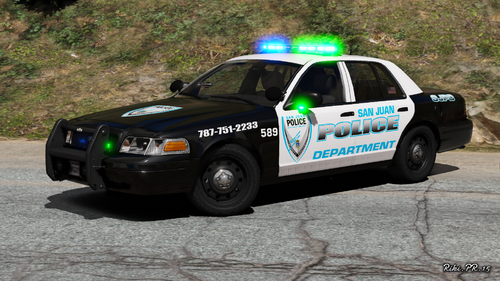 Well the green and blue looks amazing, and let me tell you the City Police is Blue and Green to distinguish de State and City Police so all Local City PD is Blue and Green and only patrol the city or county that there assigned to. So state is all blue lights and City is blue and green.
- 13 comments
- 1 review
-
With the new RAGE Out I cant use ELS Cars no more due to Scrip HOOK not supported by Rage so im also looking fo non ELS cars Any help on anything eles that can make my ELS cars work or is there just wait and wait till hook is updated ?
