




Francis2018
Members
-
Joined
-
Last visited
Everything posted by Francis2018
-
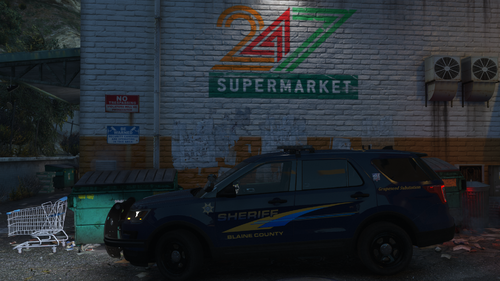 Good quality vehicle. I love the detailing of the valor lightbar. The pattern for the valor lightbar is also really awesome. Not only is the lightbar key for me choosing a vehicle to mess around with, but there are also a ton of details inside the FPIU is a plus. Compared to other vehicles with this amount of details, my FPS does not take a hit which is a nice plus. Overall, really good download 🙂
- 7 comments
- 1 review
-
-

- 1
-
-
-
 So I love these. Especially because I am from this area, so thank you. However, I have come across a problem. The windows are tinted black and some of the lights do not show. This being on the slicktop. Anyone know about this?
- 75 comments
- 19 reviews
-
-

- 1
-

