




CarnixCreations
Members
-
Joined
-
Last visited
Everything posted by CarnixCreations
-
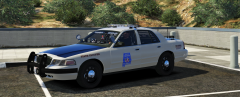
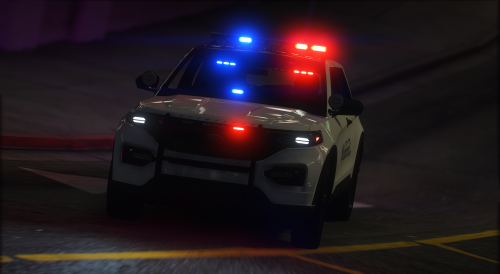
From the album: SALEA Paid Texture Pack
-
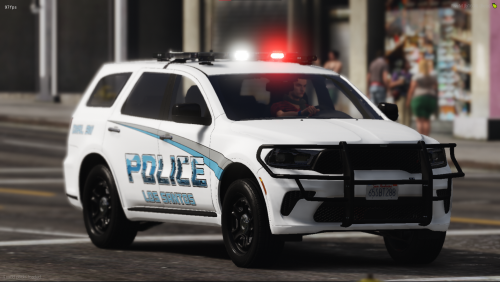
-
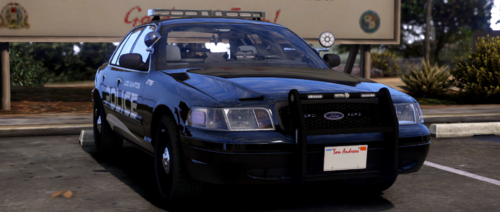 The flags on the liveries are backwards.
 -
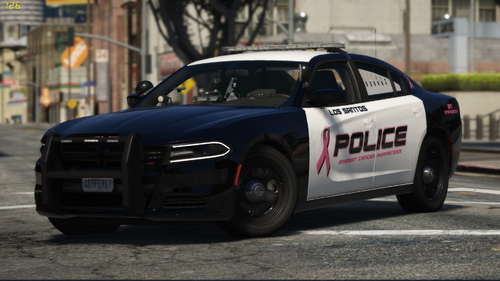 Police on the Explorer is spelled wrong "POLICE" not "POLCIE" Also on the Charger On the trunk
- 17 comments
- 2 reviews
-
-
-
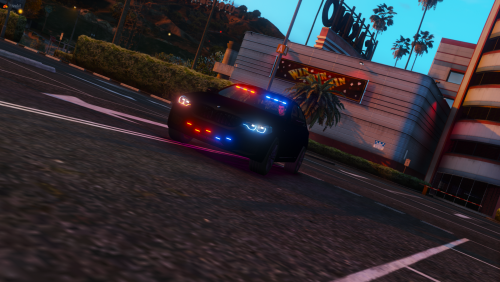 https://www.youtube.com/watch?v=0Zdaf9todTM
 -
-
-
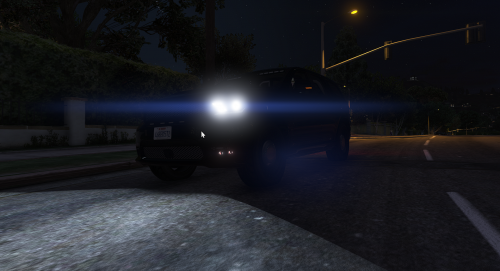 Made a little showcase:
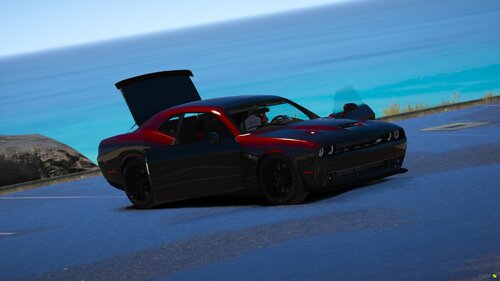 Love it!! Made A Little Showcase Clip...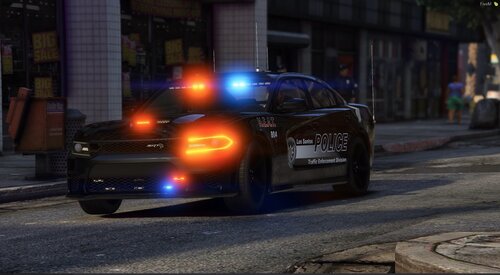
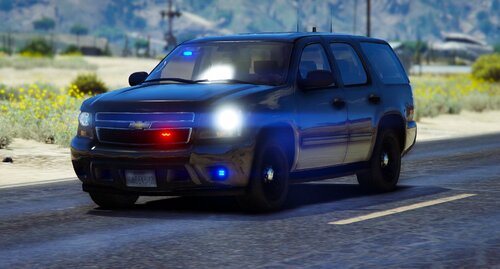 I absolutely loved it. I usually don't give my two sense on vehicle models but I have to, No matter what anyone else said I think it's amazing, and beings the fact I always hold people to a very high standard and you by far met it. Thanks, and keep it up!
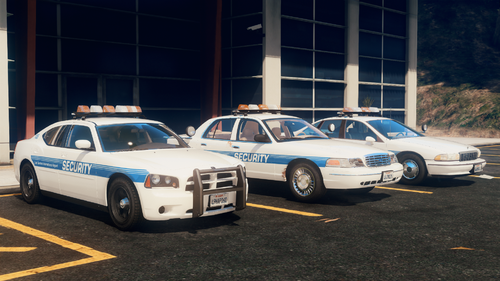
.thumb.png.1b418e5f8b018390026418a0e8c0cbcc.png) This pack is finished but if you join my discord or dm me the template I'll be glad to do it for ya!
This pack is finished but if you join my discord or dm me the template I'll be glad to do it for ya!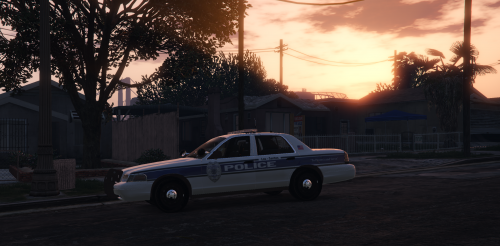 I will update the link but this skin pack is the first version the new full pack is hereTextures made custom by: Jason Raynor | JR's Edits & Designs
From the album: Custom BCSO Pack 2/8/2020
From the album: Custom BCSO Pack 2/8/2020
From the album: Custom BCSO Pack 2/8/2020
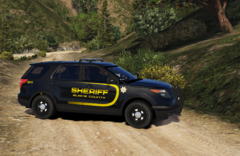
From the album: Custom BCSO Pack 2/8/2020
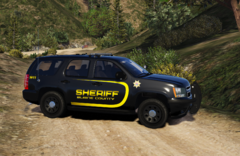
From the album: Custom BCSO Pack 2/8/2020
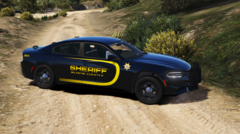
From the album: Custom BCSO Pack 2/8/2020
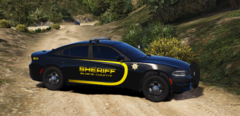
From the album: Custom BCSO Pack 2/8/2020



.thumb.png.1b418e5f8b018390026418a0e8c0cbcc.png)


