
Doggerith
Members
-
Joined
-
Last visited
Everything posted by Doggerith
-
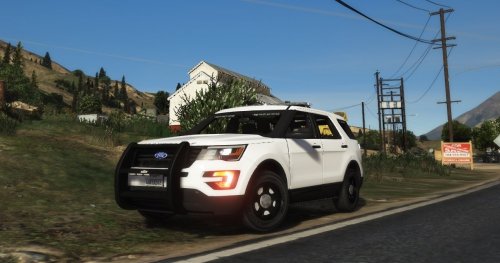
Disclaimer: Hey guys, I am a new at this skin designing first of all so this will be my first skin pack ever Background: The Greenwich Police Department (GPD), is from Greenwich, Connecticut (obviously). Greenwich has a population of 62,000 people in Fairfield county of Connecticut. The Greenwich Police Department consists of 155 Sworn Police Officers, and about 65 Patrol Officers. In all 8 hour shifts, there is about: 1 Shift Commander (Captain or Lieutenant) 2 Supervisors or Sergeants 9-12 Patrol Officers 3-4 Detectives 1 K9 (He is really busy so he takes shifts usually at nights) ANYWAY! Reason why I wanted to make this pack: The reason why I wanted to make this pack is, because their police design is very beautiful and they are probably one of the best looking ones out there (In my opinion). Also it is my hometown and when I get out of high school, I plan to later join the small police department as a career. Lastly, the patrol vehicles consist of (Whelen Gamma 2, or Whelen Cencom Sapphire sirens [Which are beautiful]). Plans for the future: Release the: CVPI Livery Tahoe Livery Charger Livery Ghost Tahoe Livery MAKE A LORE VERSION!) Videos/Photos:
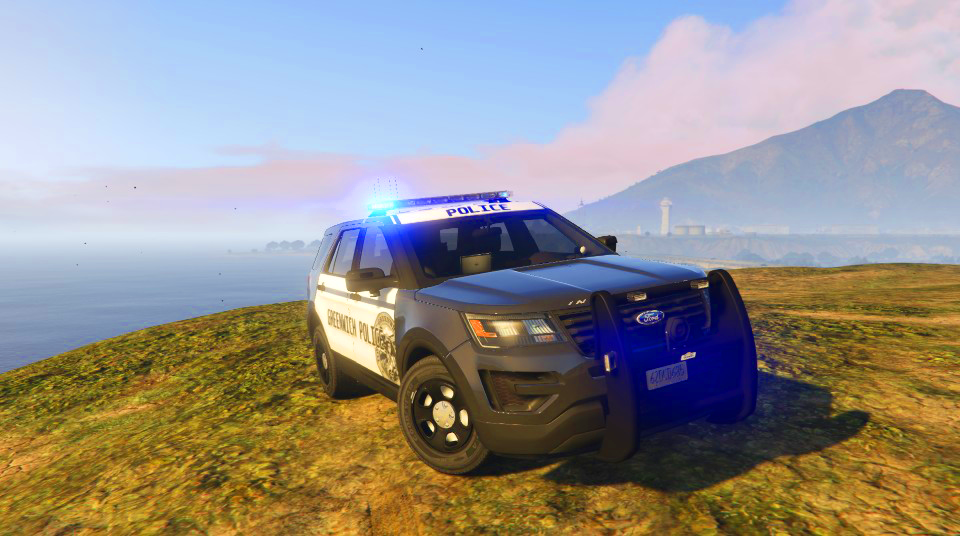
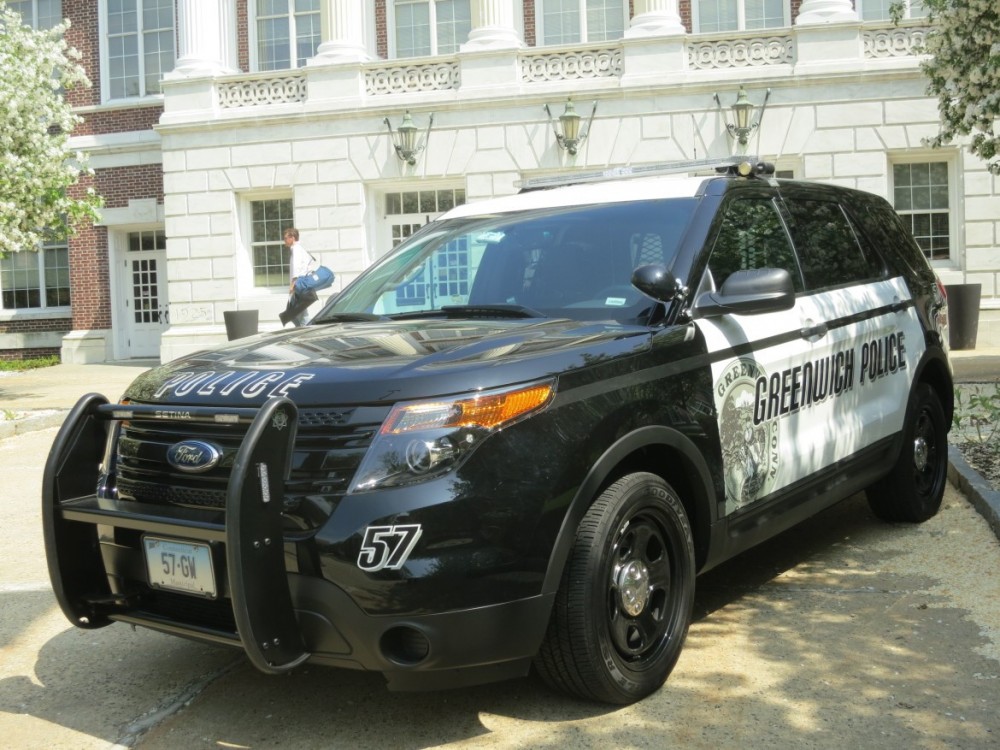
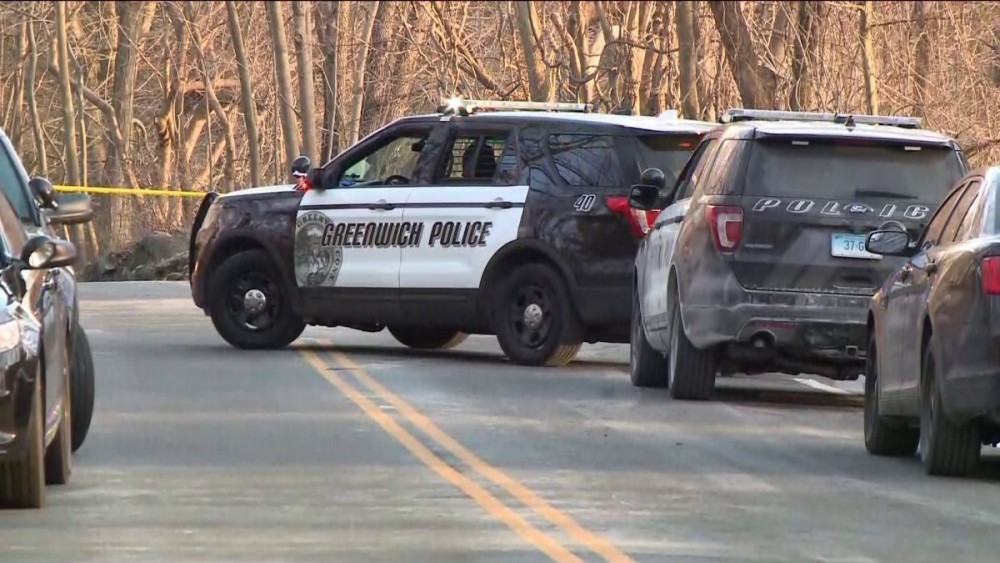
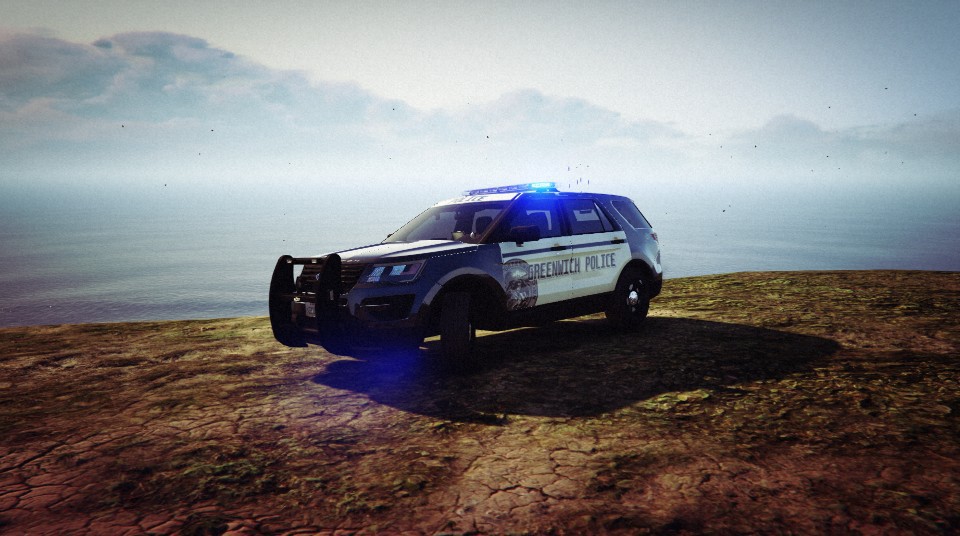
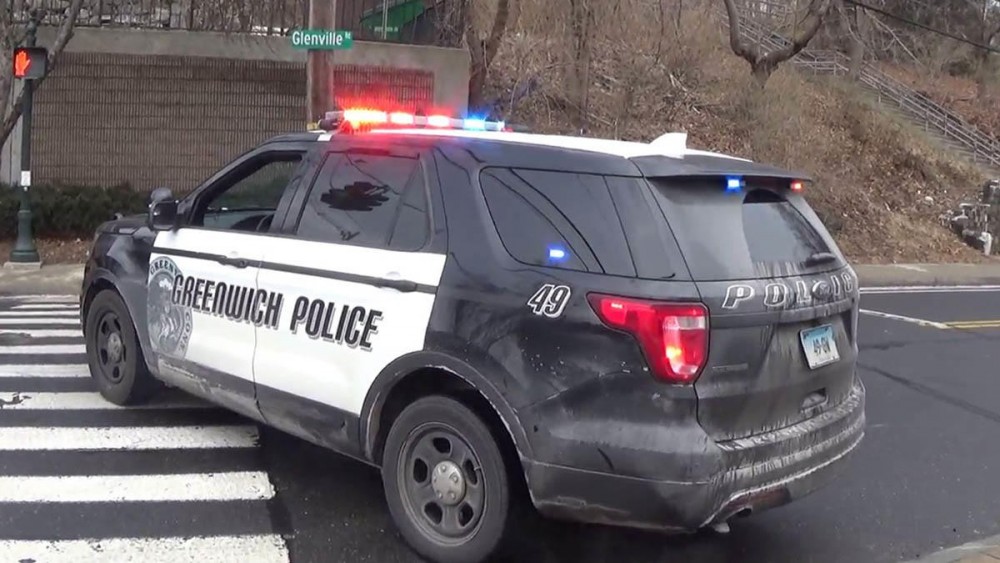
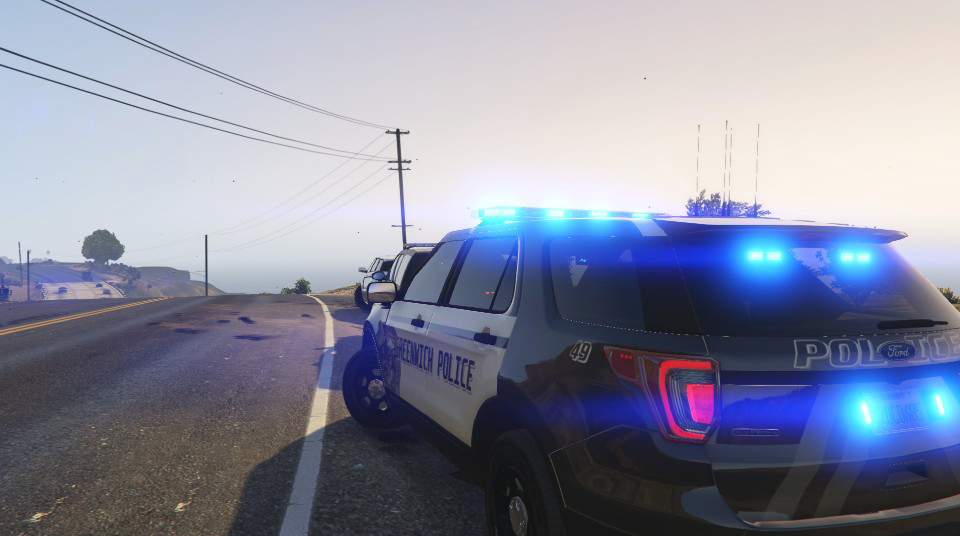
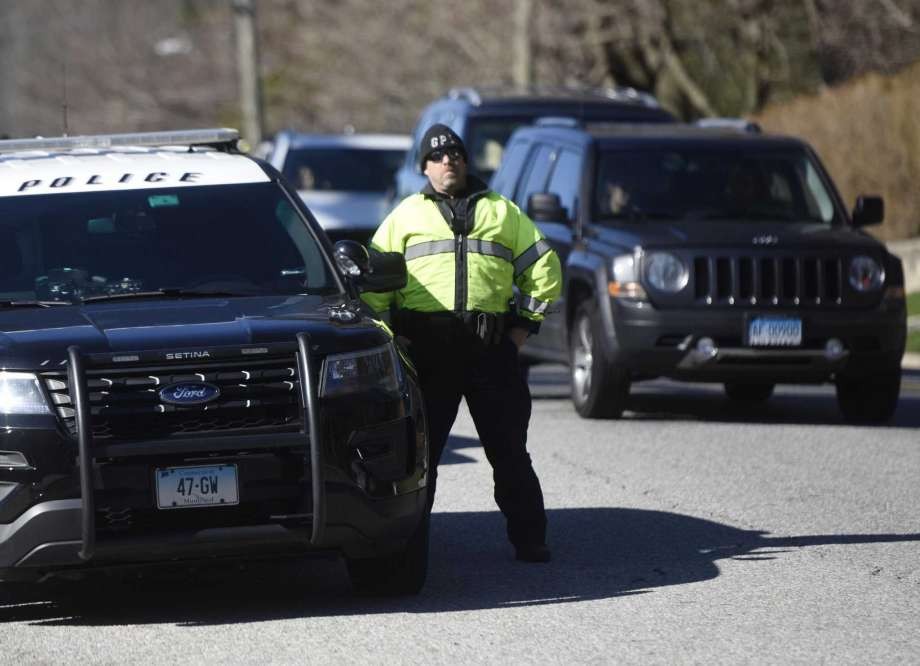
-
 I live right in hometown Greenwich hahaha, its nice to see someone from this little state be here 🙂
- 14 comments
- 2 reviews
-
-

- 1
-
-
Am I right!, Connecticut is a beautiful place with creative and nice police cars. Where are you from in Connecticut?
- 14 comments
- 2 reviews
-
I will be making a skin of this by the Greenwich Police of Connecticut. Here is an image.
- 14 comments
- 2 reviews